Channels
Create, find, rename, move and delete channels, and decide who can use them.
- ^371Create from the sidebar
- ^372Create from the empty channel pane
- ^373Start a channel with a prompt
- ^374Create from the Dashboard list
- ^375Create from the palette
- ^376Create in another project from All Projects
- ^377Create with the command line1
- ^378Choose the model at creation23
- ^379Start from an issue or pull request4
- ^380Pick a cloud place
- ^381Create with a keyboard shortcut
Every entry point but the Dashboard composer creates an empty channel at once, with a generated name such as amber-grove, and opens it with @ace already in the composer. The first agent run names an unnamed channel.
-
Channels → Channels section header → +
A new channel opens at the top of Channels, header on this host's machine chip.
-
Channels, no channel open → New channel
Choose a channel in <project>with a New channel button; shown after the open channel is deleted.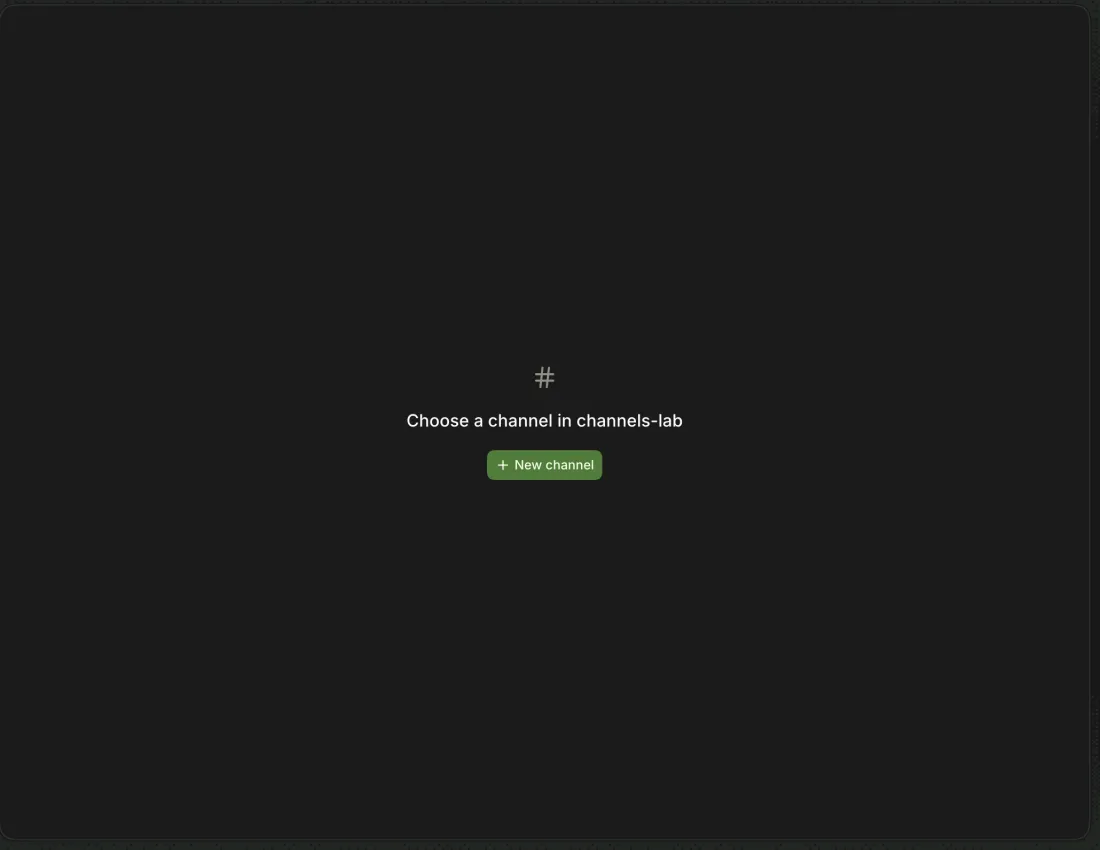
-
Dashboard → composer (
Start a new channel) → EnterThe channel opens with the prompt sent to @ace and named from it (
cart-item-countincheckout); the run completes. -
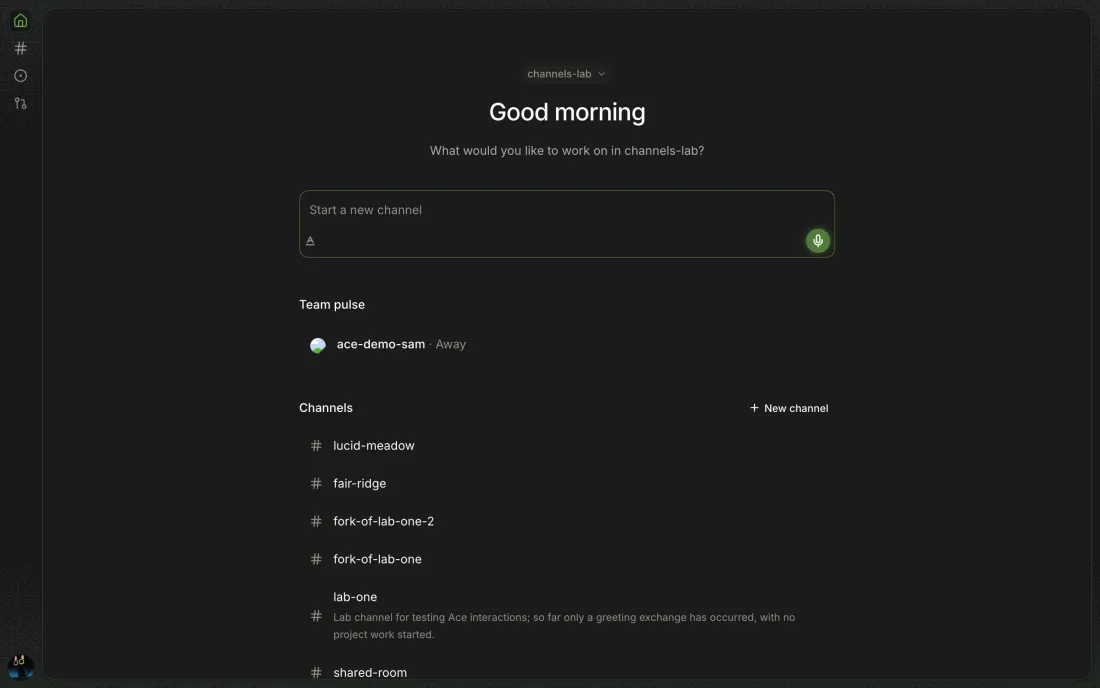
Dashboard → Channels → New channel
-
Cmd+K → Channel: New Channel in <project>
-
Project picker → All Projects → project header → +
New channel in <project>on each project's header.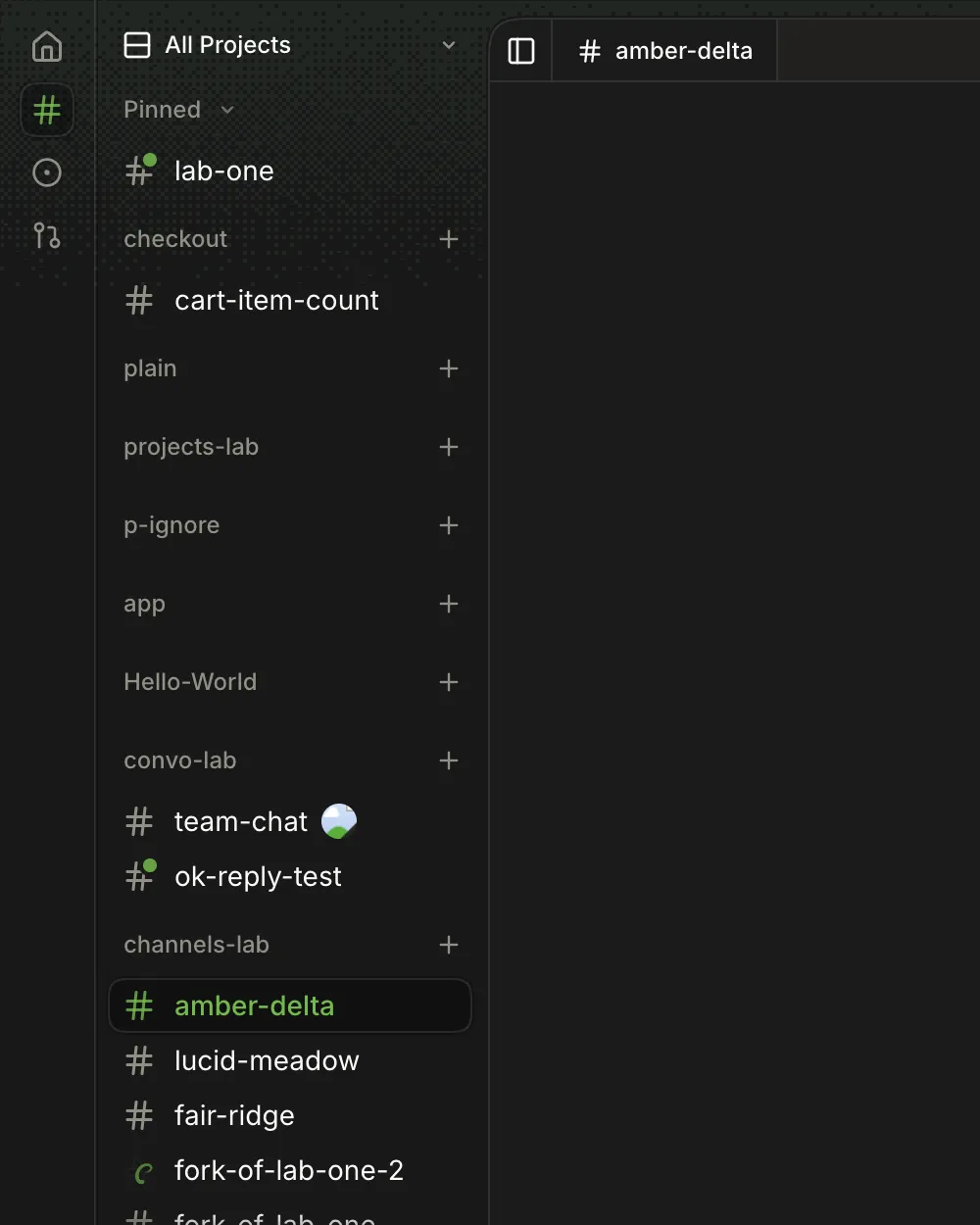
-
ace new [--project <dir>] [--name <name>] [--model <provider/id>]Prints the name and id; the channel is dormant until first used. An invalid name fails with
A channel name must be lowercase kebab-case, at most 63 characters; an unavailable model fails withThis model is unavailable. Add its provider key first.and exits 1.1
--model nope/model, which names no provider at all, gets the sameAdd its provider key first. -
New channel → composer → model picker (
Automatic)The app has no model choice in the create step; the composer's picker sets the first run's model. The CLI takes
--model.2 No create entry point in the app asks for a model; it can only be picked afterwards in the composer.
3 New channels don't start on the last-used model (left by githubnext/ace#640).
-
Offered in a GitHub project when Settings → Beta → Run in cloud is on and a compute service is set; neither exists on the smoke host.
-
There is none; Cmd+K then the palette action is the shortest path.
Sections in order: Pinned, Channels (yours), one per teammate (with <name> · Archived folded), Inactive (idle 6 h, any owner), and Archived, which is a footer that opens its own list.
-
Click a section label (Pinned, Channels, …)
-
A spinning arc replaces the #.
-
A green dot on the # when someone else wrote since you last looked, and a count when they @mentioned you (
@IAMNBUTLERcounts too); opening the channel clears both. The palette saysUnreadorMention.5 Pair study saw the mention count live (
1 direct mention); the plain unread dot went unseen because each tester turn used a fresh browser profile, which also forgets mentions across reloads.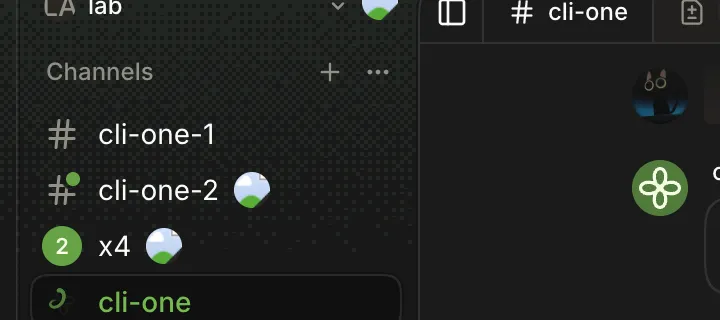
-
A raised hand when a run you started failed or is waiting on your answer; runs started with
ace askcount too.6 A browser profile only counts runs that end after its first visit: a question already waiting when a new profile opened read
Busyin the palette until another question was asked.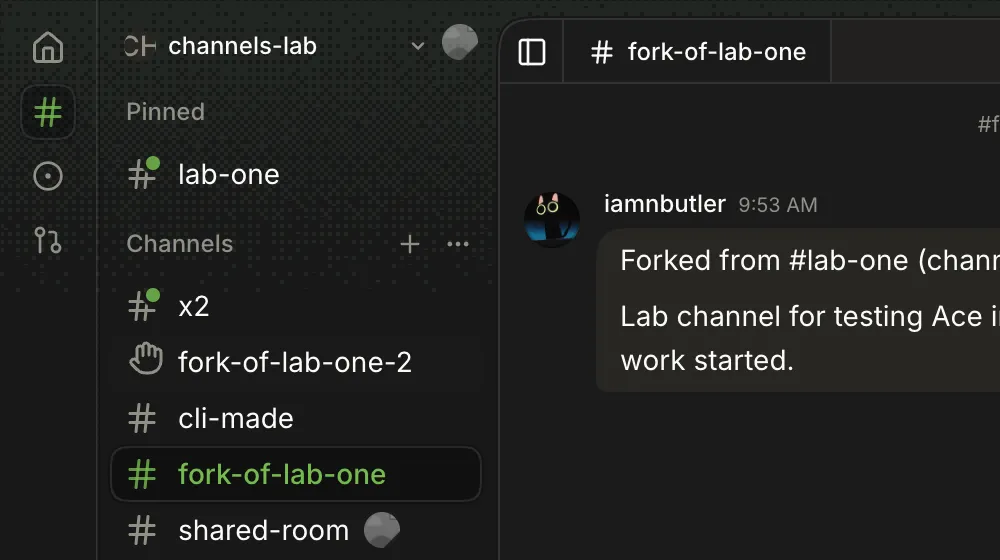
-
Avatars of teammates in the channel, dimmed when away; hover says
ace-demo-sam away. The project header shows the project's facepile.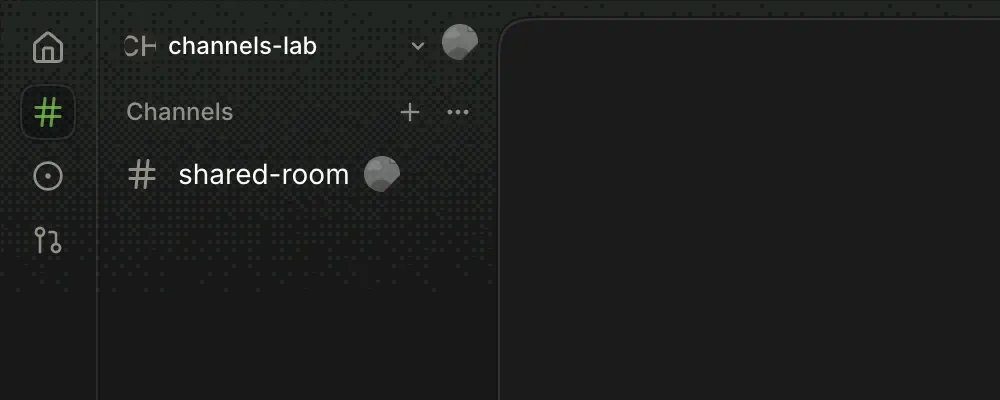
-
Their channels under their GitHub login,
<name> · Offlinewhen every host of theirs is unreachable.7 Pair study, Canary 0.0.53.88: in All Projects a shared section reads
pair-sandbox · natembp · iamnbutler, truncated and sorted last, with noShared with youheading; Archived and Inactive weren't seen. -
Channels idle more than 6 hours, from every owner.
-
A globe for hosted, a cloud for cloud compute, a lock for private, and PR state icons when the channel has a pull request.
8 A hosted channel shows a globe in the sidebar but a cloud in the header chip (
apps/app/src/channel-access.tsx:53).9 Canary 0.0.51.85: a renamed cloud channel kept its old name in the sidebar until opened, and a PR channel shows no PR mark.
Pins belong to the person and this browser profile (ace:pinned-channels in localStorage), so teammates never see them.
-
Sidebar → right-click a channel → Pin channel
A Pinned section appears above Channels with it.
-
Sidebar → right-click → Rename channel
Edit the name and press Rename.
The row, tab and Channel facts update.
Use lowercase letters, numbers, and hyphens, up to 63 characters. -
A taken name says
A channel named shared-room already existsin the dialog. A malformed name is stopped by the browser's ownPlease match the requested format. -
ace rename <channel> <name>Same rules and messages as the app; prints nothing on success.
-
The channel's tab menu offers Rename and Close, both disabled for the chat tab.
-
An unnamed channel takes its name from the first run: a fork named
fork-of-lab-onebecamecounting-testafter one prompt. A name you set stays.
Starts a sibling channel in the same project from the source's summary and lane. Not offered for cloud compute channels.
-
Sidebar → right-click → Fork channel
Toasts
Forking lab-one…thenForked lab-one into fork-of-lab-one; the fork opens with a first messageForked from #lab-one (channel <id>).and the summary, and keeps the source's model. -
ace fork <channel>Prints the new name; a second fork is
fork-of-lab-one-2.
-
Sidebar → right-click → Channel info · header → Toggle details sidebar
Summary, Changes with +/−, branch, then Channel: Project, Host, Owner, Model and Tokens/Estimated cost once a run has happened, Created.
-
ace info <channel>JSON with id, name, summary, project, owner (Tailscale login),
agents(agent access),desktop, and each chat's usage.
Archiving stops new messages and moves the channel to Archived. Only the owner can archive.
-
Sidebar → right-click → Archive channel
The row leaves Channels at once and an Archived footer appears; no confirmation, toast or undo.
-
Sidebar footer → Archived
The sidebar switches to
Backand an Archived list. -
The transcript opens with
Archived. Unarchive it from the sidebar to send messages.above the composer.11 In All Projects an archived channel has no row anywhere, yet still says to unarchive it from the sidebar; All Projects also shows only the 10 most recent channels per project (
apps/app/src/app.tsx:130,apps/app/src/app.tsx:455). -
Archived → right-click → Unarchive channel
It returns to Channels and the sidebar leaves the empty Archived list.
-
ace archive <channel>·ace unarchive <channel>No output; the app updates live.
ace lshides archived channels,ace ls --allshows them asarchived. -
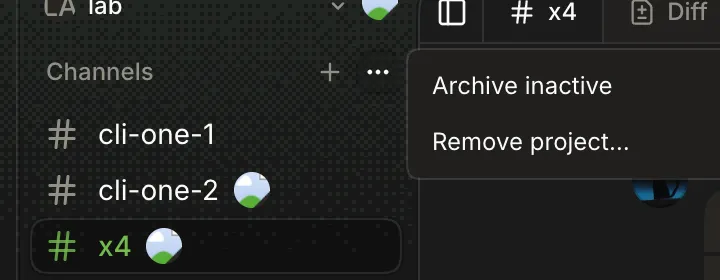
Channels section ⋯ → Archive inactive (or right-click the section label)
Archived N inactive channel(s), orNo inactive channels on this host(seen). Not offered in All Projects.12 Runs at once with no preview; the 2026-10-22 study had no inactive channel to archive.
-
Archived → right-click → Delete channel
Delete #cli-made?This permanently removes the channel's messages, runs, chats, and tool results. Run ace backup first to keep a copy.Confirming removes it; the pane showsChoose a channel.13 A live channel's menu has no Delete at all; the
Delete channel — Archive firsthint in the code is never shown (packages/ui/src/components/session-item/session-item-actions.tsx:323,session-item.tsx:217). -
ace delete <channel>Deleted x2. Its lane branches remain in <project>.It deletes a live, unarchived channel without asking; the app open on it falls back toChoose a channel.
Moves an idle local channel to a cloud workspace, or a hosted one back to this host. Needs the team's compute service.
-
Sidebar → right-click → Move to <label>
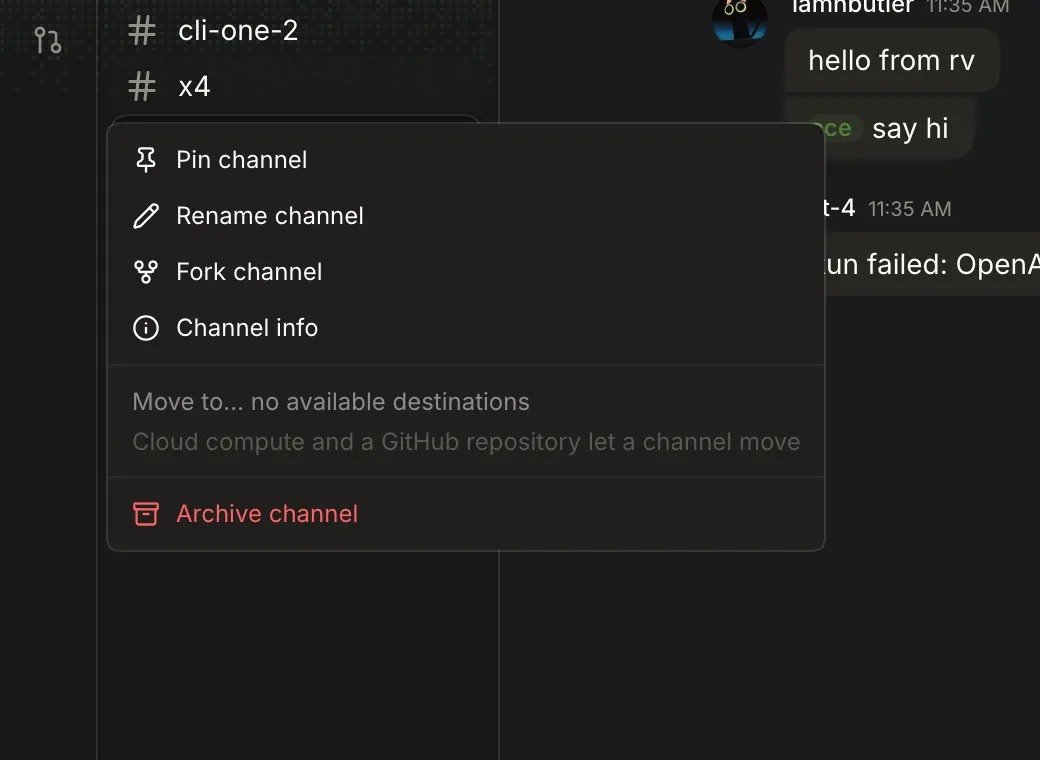
Without a compute service the menu shows a disabled
Move to… no available destinationswithCloud compute and a GitHub repository let a channel moveunder it.14 Canary 0.0.51.85: only Move to cloud workspace is offered, and a cloud channel can't move back.
-
ace move <channel> --compute | --localHere
--computefails withThe team's services need ACE_SECRET. Add it in Settings → Team, or with ace key set ACE_SECRET,--localwithThe channel is already on this host.
Agent access, owner only. Off by default.
-
Channel header → bot icon (Agent access) → Turn on
Let teammates invoke agents?Teammates can run commands as you on this machine, with Ace's macOS permissions such as Screen Recording.The icon turns green. -
Hover the bot icon
Agent access: Offover a description of what turning it on allows.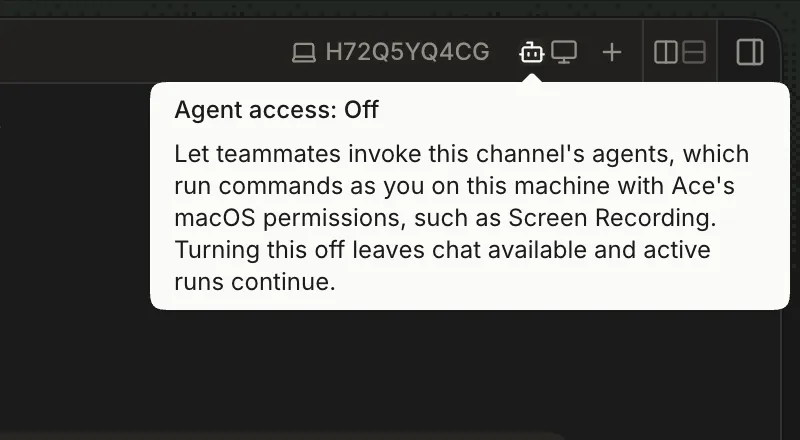
-
ace agents <channel> on|offonprintsAgent access is on for <channel>. Teammates can run commands as you on this machine.; anything else, or nothing, prints the usage and exits 1. The app updates live.
Desktop tools for the channel's runs, owner only. Hidden for cloud compute channels.
-
Channel header → monitor icon (Channel desktop tools)
Turns on or off immediately, no confirmation; the tooltip warns it isn't a security boundary.
-
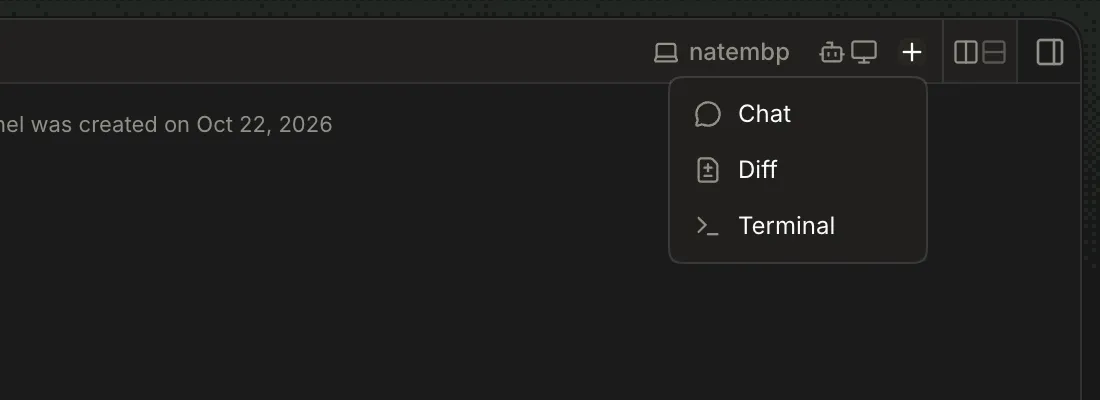
Header → machine chip
A laptop and the host name (
natembp); hover saysRuns on natembp.Hosted and cloud channels show a cloud. -
-
Cmd+K → type
Before typing it lists this project's channels as
<project>: <name>with Busy or Unread; typing searches every project (cartfoundcheckout: cart-item-count). -
Cmd+K → result → Enter
Switches to the channel's project and opens it.
-
The palette has no pin, rename, fork, archive or delete; only New Channel.
-
ace ls --teamName, id, state, host, owner, project for reachable hosts; here only this host.
-
ace kill <channel>A counting run stopped (
busywent false); no output. The app has no equivalent.
-
ace backup <channel> <new-directory>Channel data saved. Back up project files and lane worktrees separately.Writes backup.json, channel.json, channel.sqlite; an existing directory fails with a rawEEXIST. -
ace restore <directory> [--project <dir>]A new channel with the original transcript; a taken name gets
-1,-2(cli-one-1). -
ace export <channel> <file>An editable
ace-seedJSON with name, summary, and each chat's model and items. -
ace import <file> [--project <dir>] [--name <name>] [--now]Prints the name and id; a taken name is refused with
A channel named lab-one already exists.