Workspace
Arrange windows, panes and tabs, and get around with the palette and shortcuts.
-
Rail (left edge)
Click an icon in the rail.
The main area switches; Channels, Issues and PRs bring their own sidebar, Dashboard has none.
1 While projects load, the account avatar still shows a placeholder
A(left by githubnext/ace#639).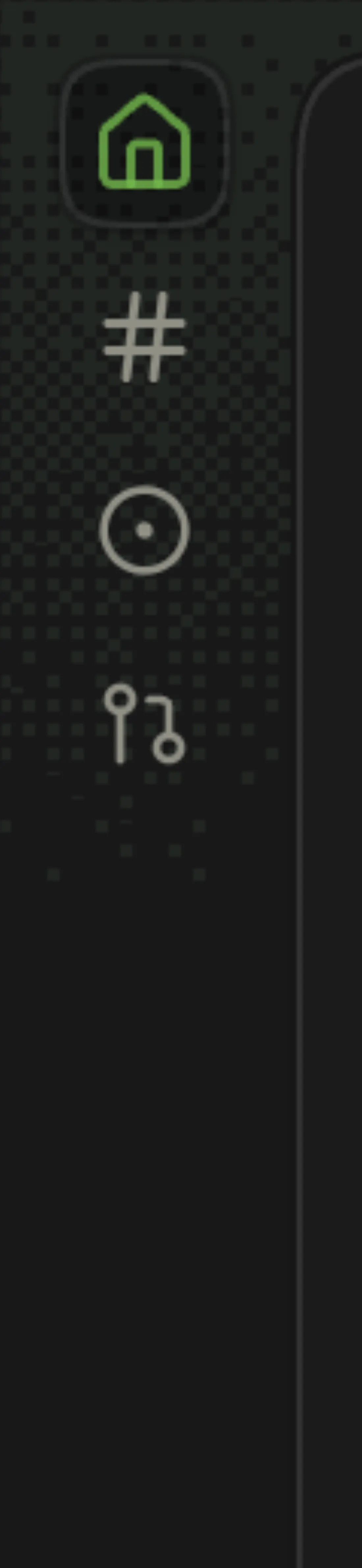
-
⌘1 Dashboard · ⌘2 Channels · ⌘3 Issues · ⌘4 PRs
Press the shortcut anywhere in the window. Ctrl works in place of ⌘ in a browser.
Same as clicking the rail. The rail tooltips and the palette show the keys.
2 ⌘3 and ⌘4 do nothing in a project without GitHub, with no hint.
-
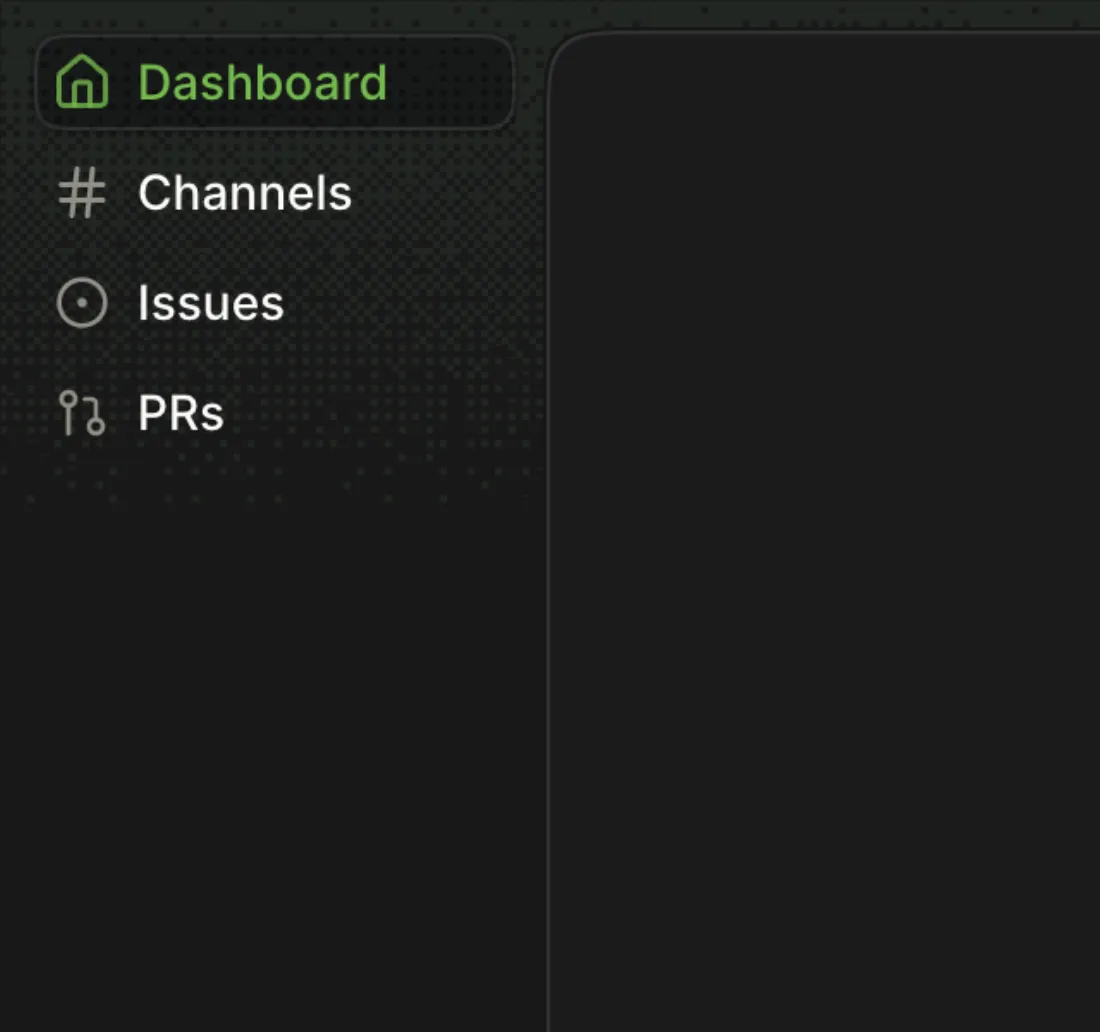
⌘B, or palette → View: Toggle Navigation
The rail widens to show labels; again collapses it. It starts collapsed in every new window.
-
⌘⇧B, the sidebar button at the left of the tab strip, or palette → View: Toggle Channels Sidebar
The project's channel list slides away and the channel takes the width.
-
Right edge of the sidebar
Drag the edge. Double-click it to go back to the default width.
The width is kept for the browser profile (200 → 314 → 200 px in this pass).
-
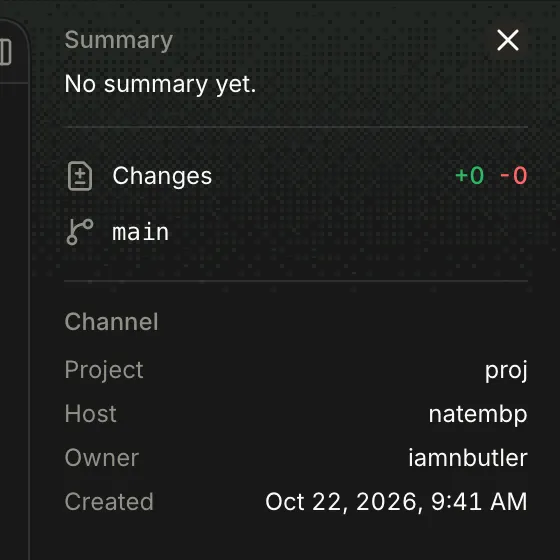
Channel → right end of the tab strip → Toggle details sidebar
Summary, changes, branch and channel facts slide in on the right; × or the same button closes it.
-
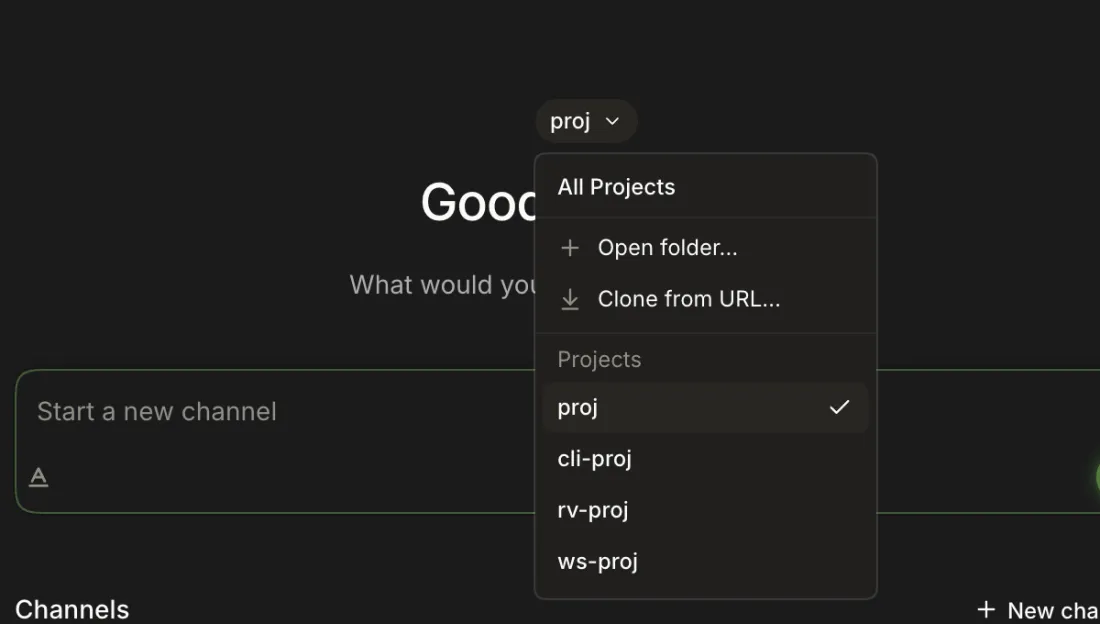
Dashboard → project chip above the greeting
Open the chip and choose a project.
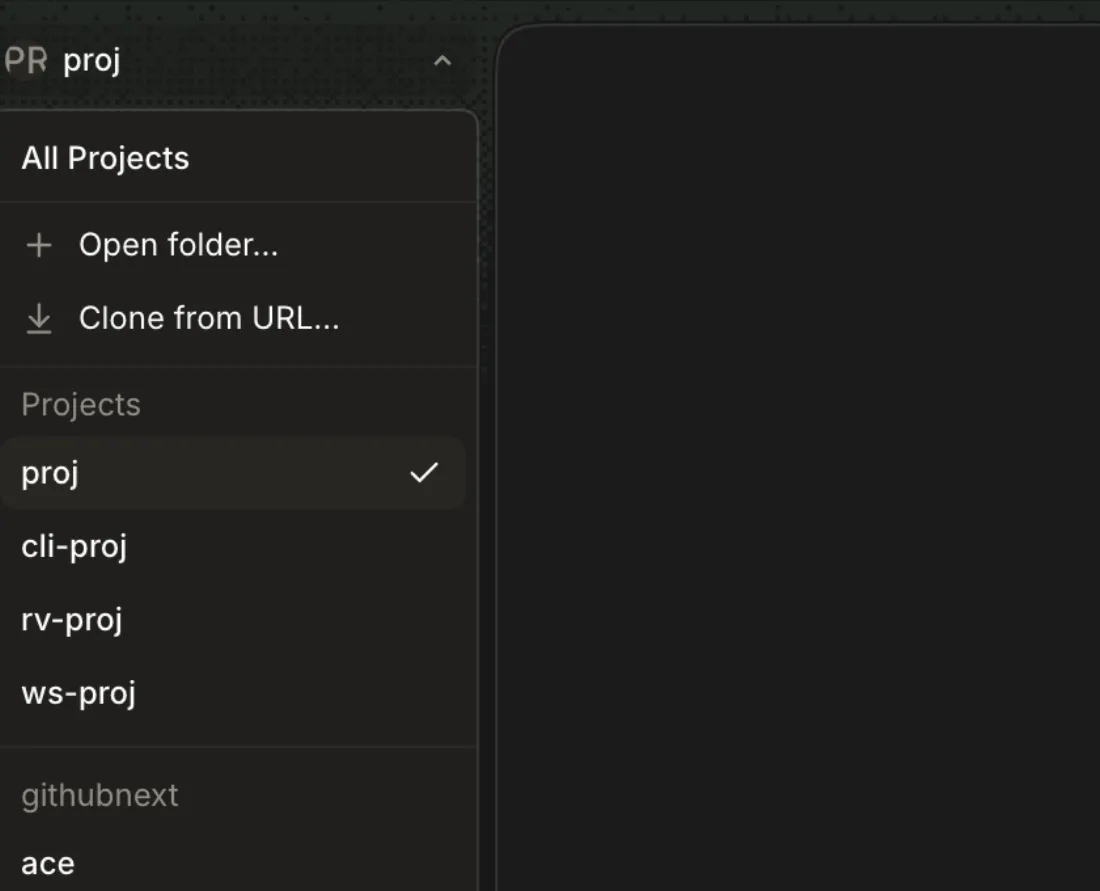
The menu lists All Projects, Open folder…, Clone from URL… and every project; the dashboard reloads for the choice.
-
Channels → sidebar header → project name
The same menu; the choice replaces the channel list and is remembered per window.
-
Channels → project menu → All Projects
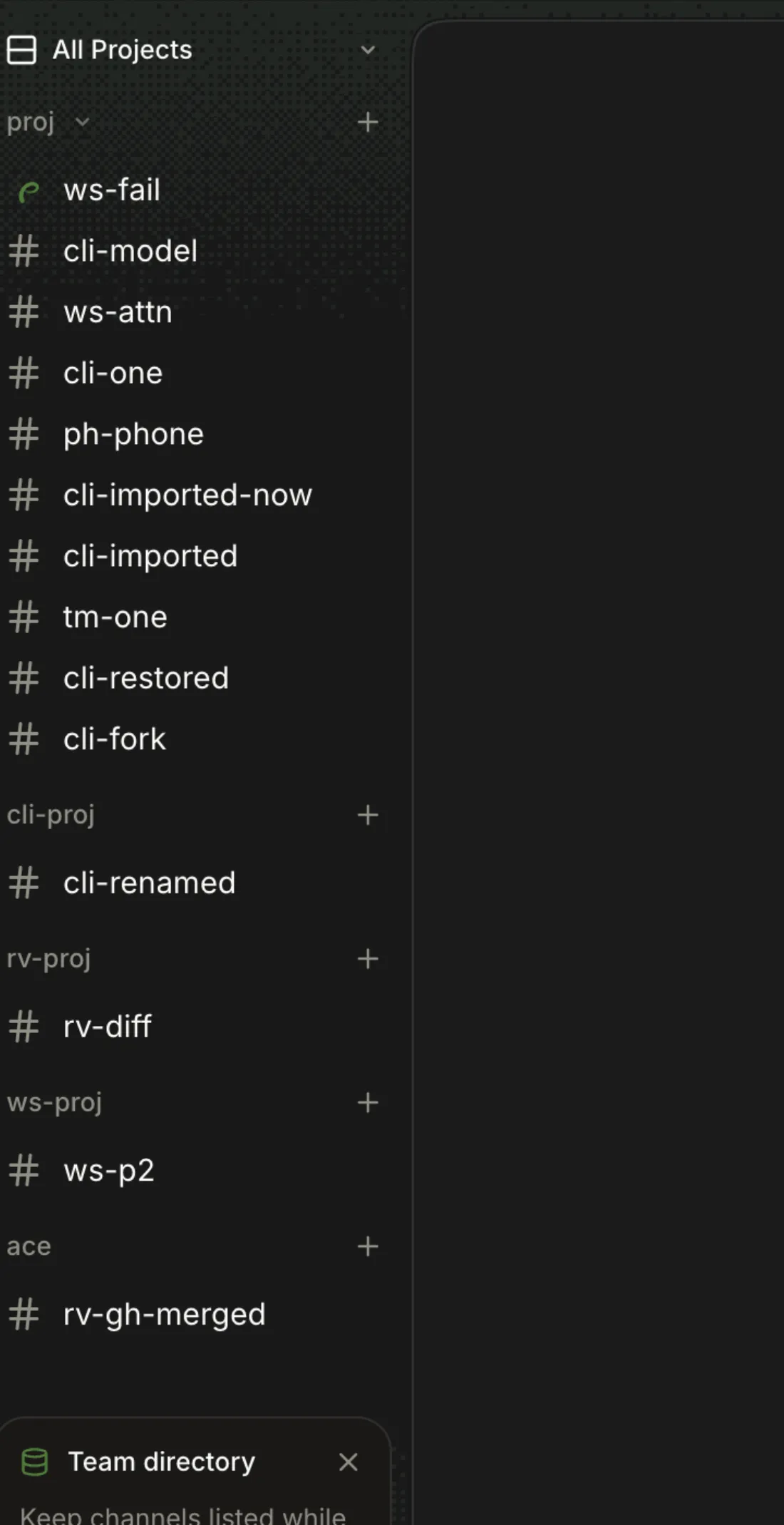
Pinned channels first, then each project's ten most recent channels under its name, with + to start one there.
4 All Projects only applies to Channels: switching to Dashboard, Issues or PRs shows the last single project (proj) again.
-
Rail → Dashboard, or ⌘1
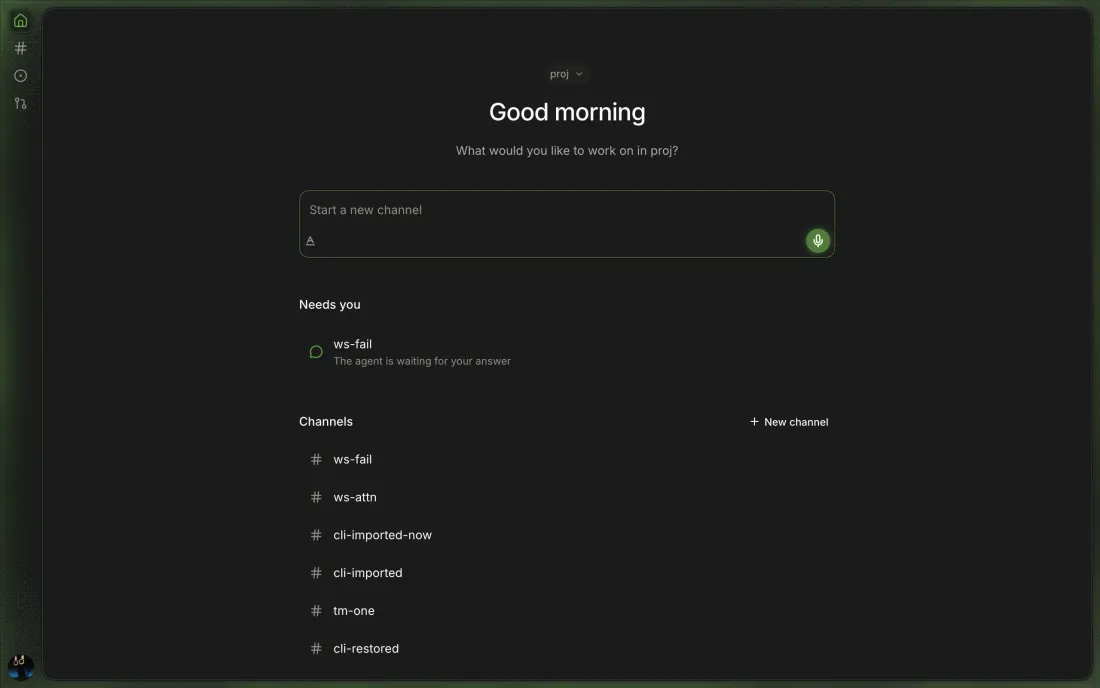
A greeting, a composer to start a channel, then Needs you, Pick back up and Team pulse when they have rows, then the project's channels.
-
Closed: Removed with the Dashboard's Needs you section in githubnext/ace#579 (Q153).
Dashboard → Needs youChannels whose run you started failed or is waiting on your answer, and PRs waiting on your review.
5 Opening the channel drops it from Needs you though the question is still unanswered (ws-ask: 1 row before visiting, 0 after, question pending).
6 A browser profile only counts runs that end after its first visit (attention.ts:12), so a phone or new browser opened while a question waits never lists it.

-
Closed: Removed with the Dashboard's Needs you section in githubnext/ace#579 (Q153).
Dashboard → Needs you → rowThe channel opens on the Channels view.
-
Dashboard → Pick back up (GitHub projects only)
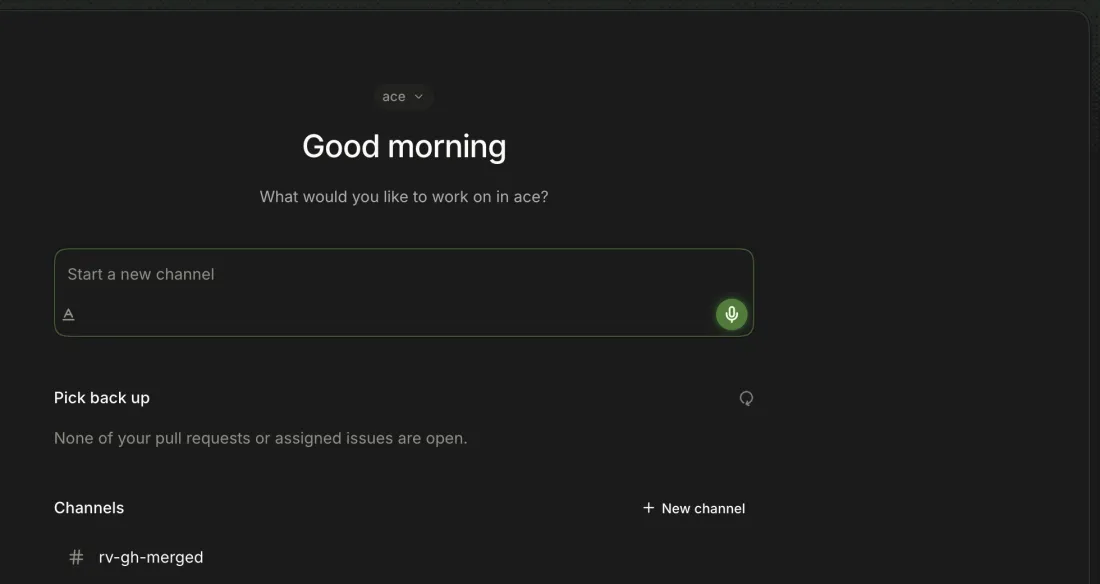
Your open PRs and issues assigned to you, each linked to its channel if one has the branch. With none, "None of your pull requests or assigned issues are open."
7 Only the empty state was seen; the host's GitHub account had no open PRs or assigned issues in githubnext/ace.

-
Dashboard → Pick back up → Open in a channel
A new channel starts with a prompt about the item; Continue opens the channel that already has its branch.
8 Continue is missed when the channel works the PR under another local branch: after Open in a channel on githubnext/ace-testbed#2, its lane
glad-orbit/add-moonpushed toadd-moon, and the dashboard still offered Open #2 in a channel, inviting a second channel. Continue on #6 opened mars-greeting as expected.
-
Dashboard → Pick back up → ↻
The icon spins and is disabled while the list reloads.
-
Dashboard → Team pulse
Teammates active in the project since your last visit, with their channels.
9 Re-check, Canary 0.0.54.93: Hello-World's pulse credited the teammate (
samechocolixir / #b-hello / Finished in #pair-hello-2), but entries carry no time or description, and theFinished inline vanished on a reload before the owner opened the channel. -
Dashboard → Channels → row
The channel opens. Rows show a raised hand when a run needs you, a count of @mentions of you and an unread dot (lab x4:
2and a dot after ace-demo-rivera mentioned@iamnbutlertwice).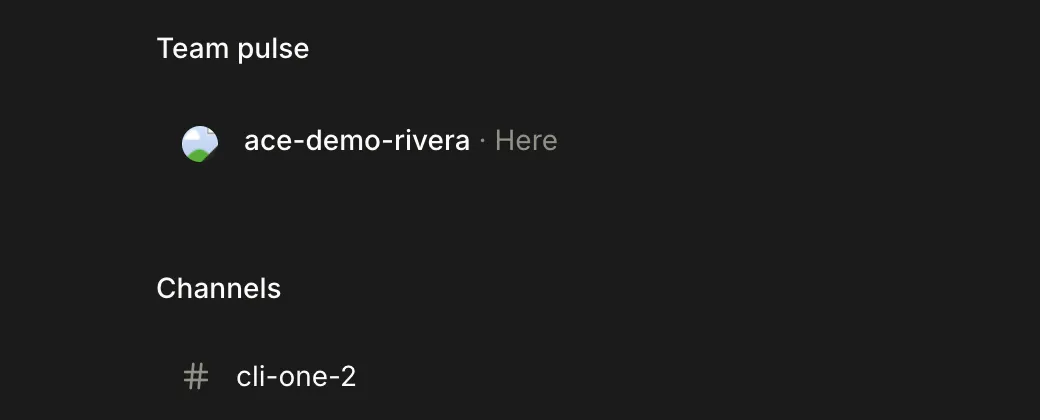
Runs you started that end while you aren't watching the channel.
-
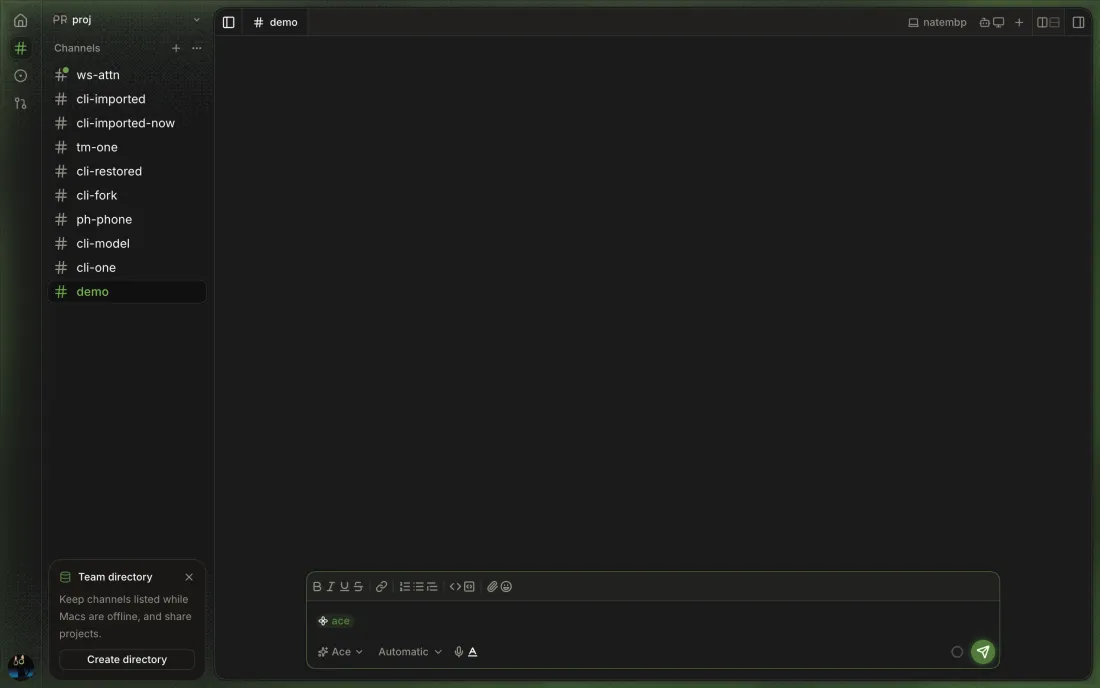
When a run you started ends in another channel while the window has focus, the window edge glows green for about two seconds.
10 With the window focused the study saw no glow; coming back from another tab showed a brief green tint.
-
Channels sidebar → row; palette → row
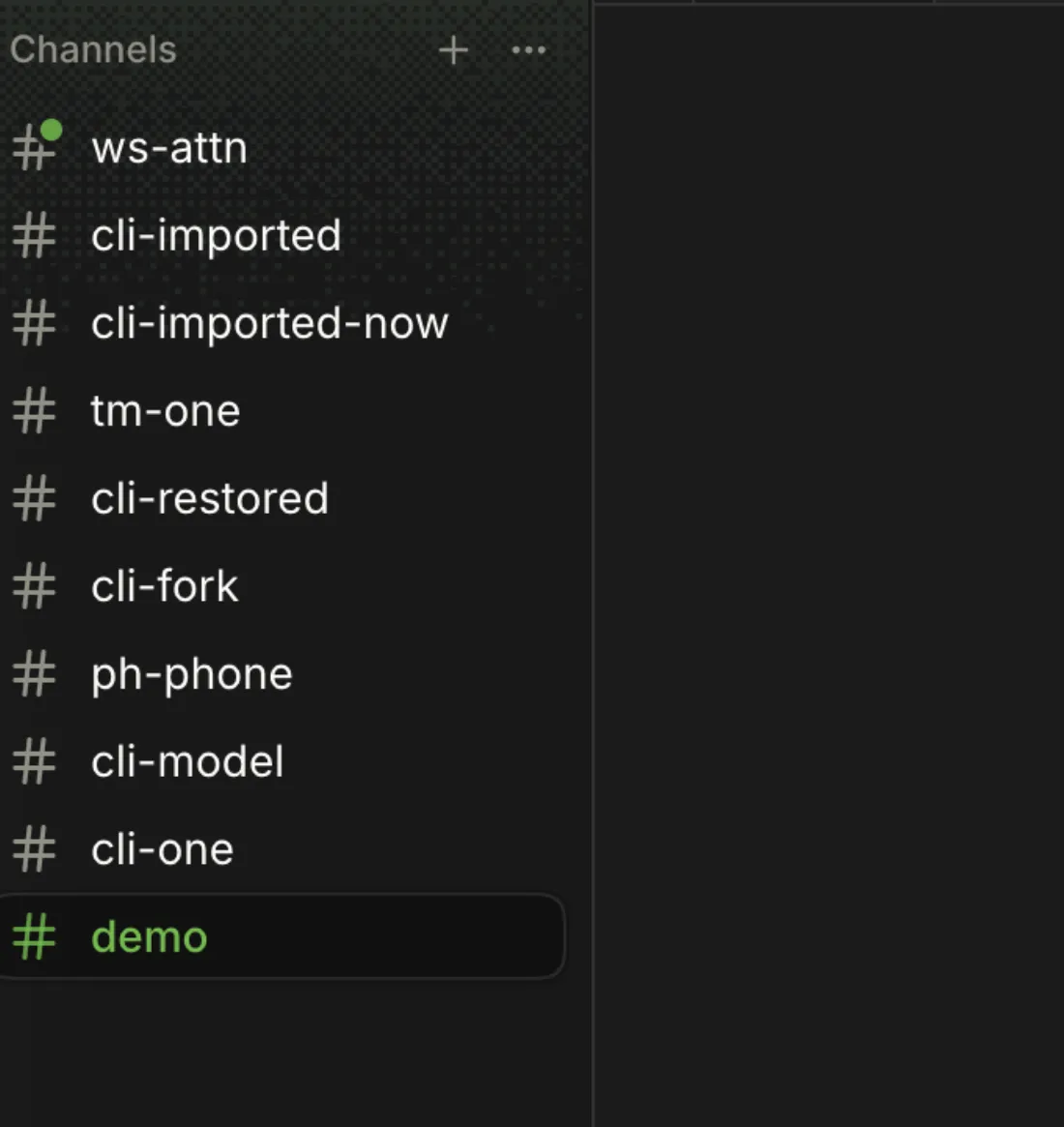
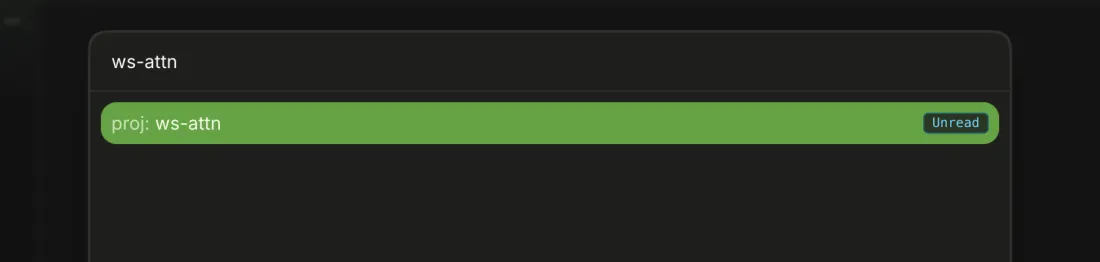
A dot on the channel's icon, and "Unread" (or "Busy" while running) beside it in the palette.
-
Viewing the channel with the window focused marks the run seen.
Each channel window has a Chat tab plus any Diff and Terminal tabs, saved per channel.
-
The channel's name with its place icon; it can't be closed or renamed (Rename and Close are disabled).

-
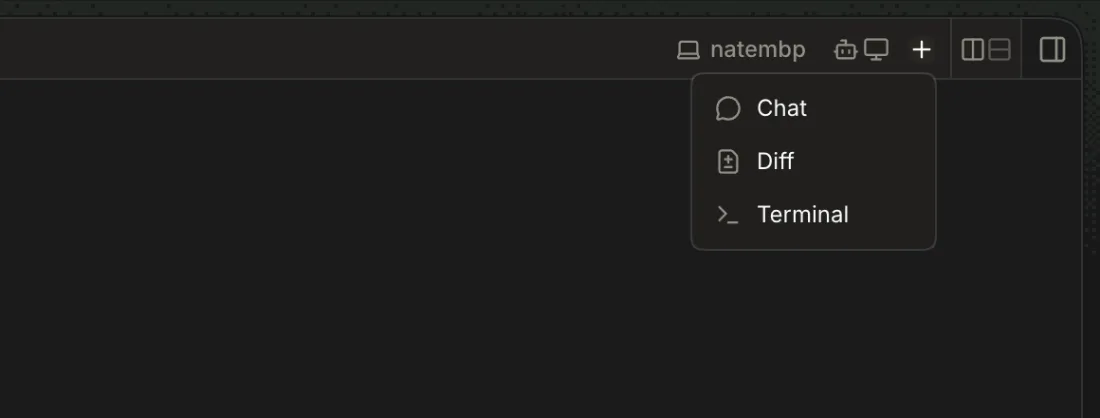
Tab strip → + (New tab)
Choose Chat, Diff or Terminal.
The tab opens in that pane and takes focus; a second of a kind numbers them (Terminal 1, Terminal 2). Chat shows the existing Chat tab.

-
Click a tab, or with a tab focused press ←/→, Home or End.
-
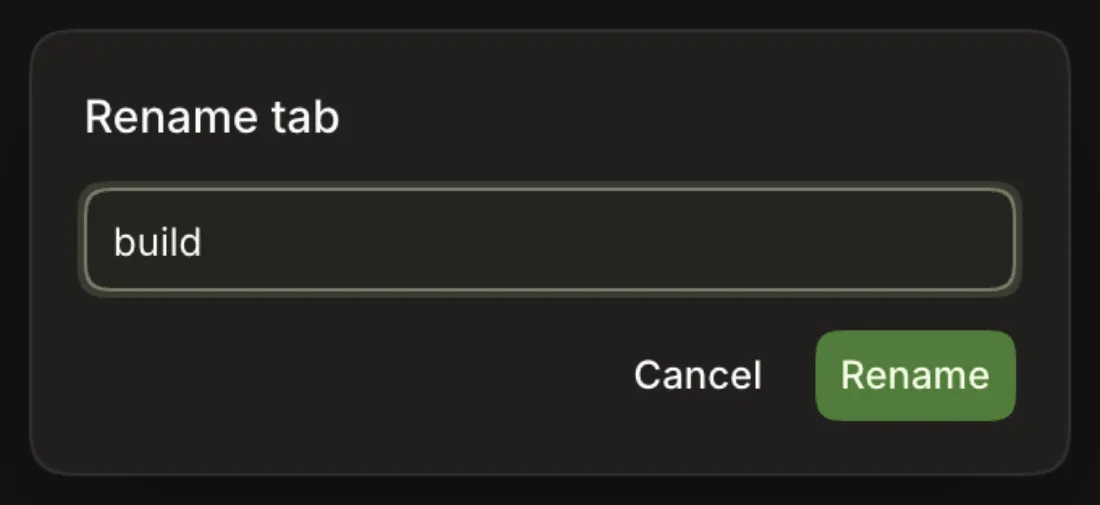
Right-click a tab → Rename
Type a name (up to 80 characters) and press Enter. An empty name restores the default.
The tab shows the new name, also in the palette and in
ace tabs.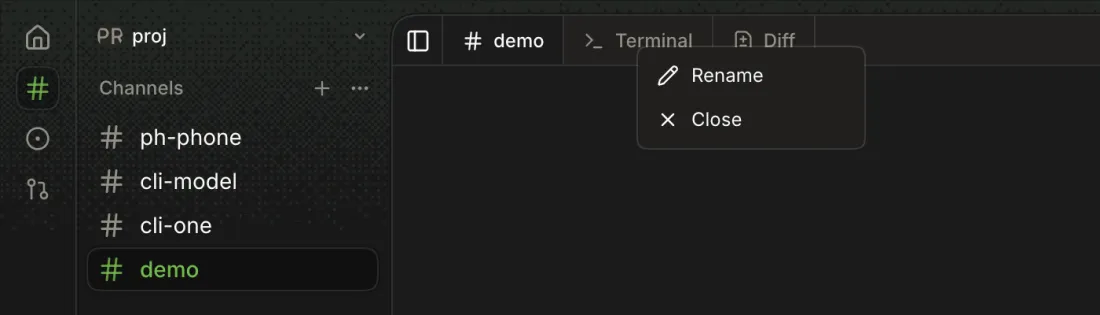
-
Hover and click its ×, right-click → Close, or focus it and press Backspace or Delete.
The tab goes; a Terminal tab's shell is released.
-
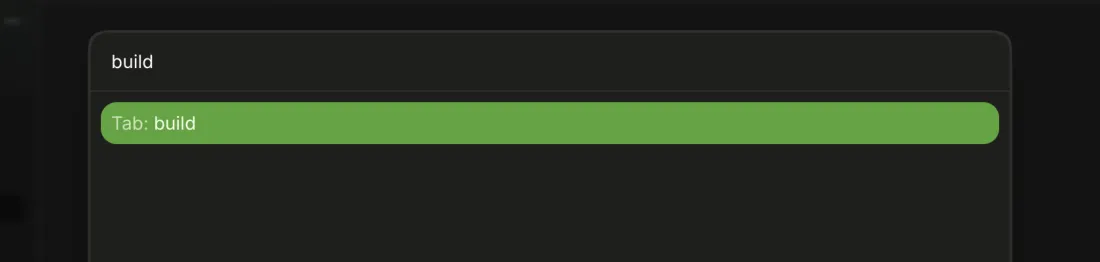
⌘K → type the tab's name
The channel's other tabs are listed under Tab; choosing one shows it.
-
The first time the chat's lane has changes, a Diff tab opens behind the Chat tab; closing it keeps it closed until the changes clear and new ones appear.
12 Still logged after #587: React error #185 (
Maximum update depth exceeded) fired once about 0.2 s after sending an Ace message in a channel with a Diff tab open; the page kept working. Three Chat-mode sends in a channel without a Diff tab logged none.13 Closed while changes remained, it stayed closed through two new changes, as designed; testers expected it back.

-
Tabs, names, panes and sizes come back after a reload, per channel and per window.
Split a channel window into panes, each with its own tab strip.
-
Pane's tab strip → Split right / Split down (right end)
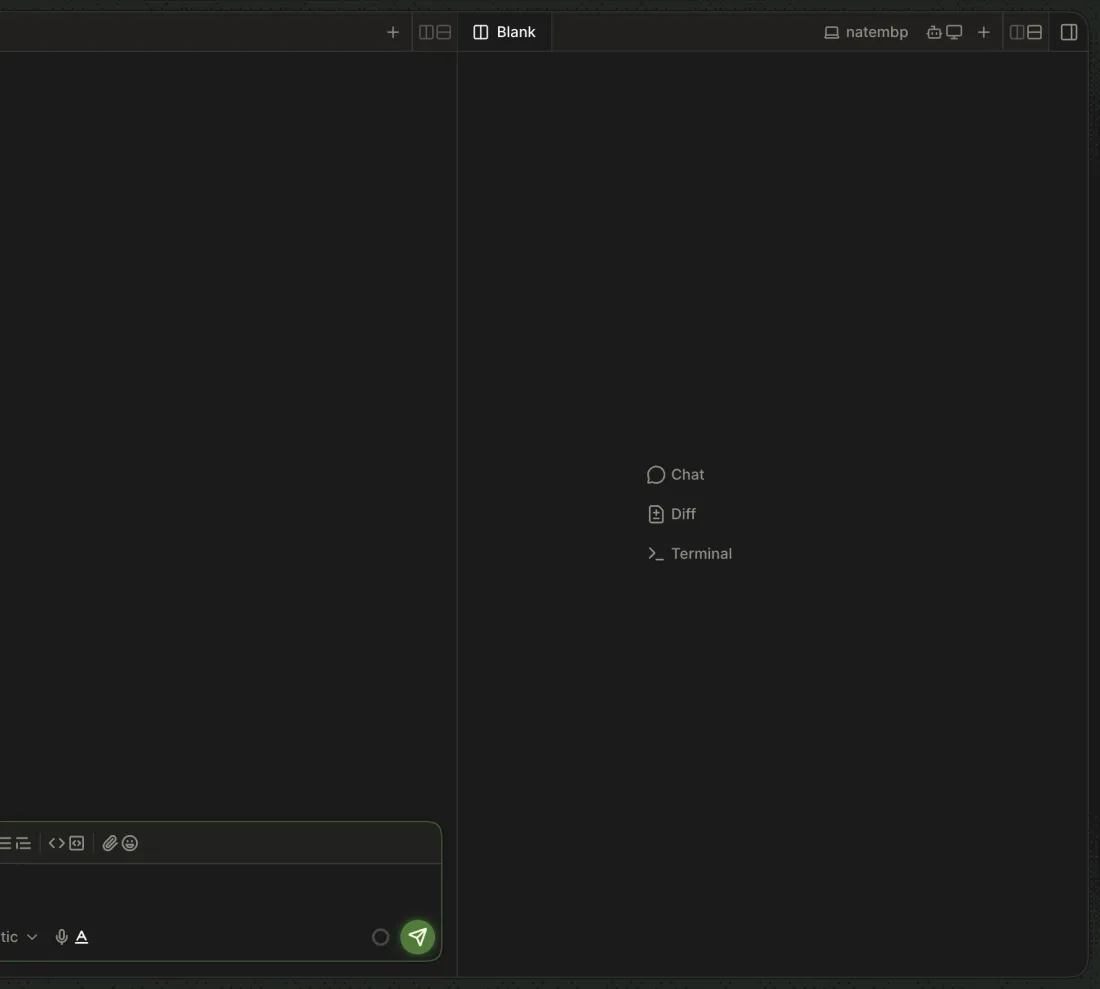
A Blank pane opens beside or below with Chat, Diff and Terminal to choose from.
-
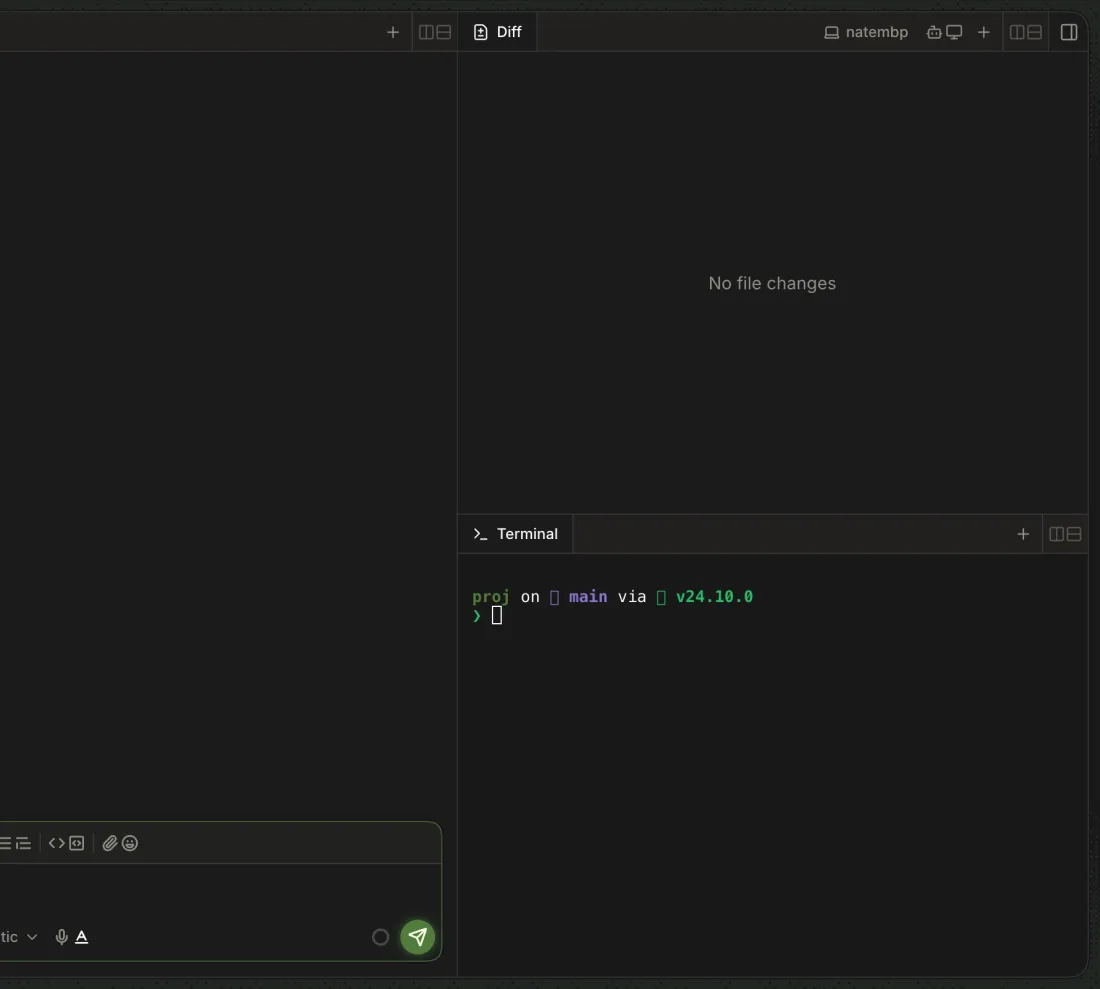
Blank pane → Chat / Diff / Terminal
The pane becomes that tab; Chat moves focus to the Chat tab and closes the blank.
15 Chat in a blank pane closes the blank when the chat is already open, without saying so.
-
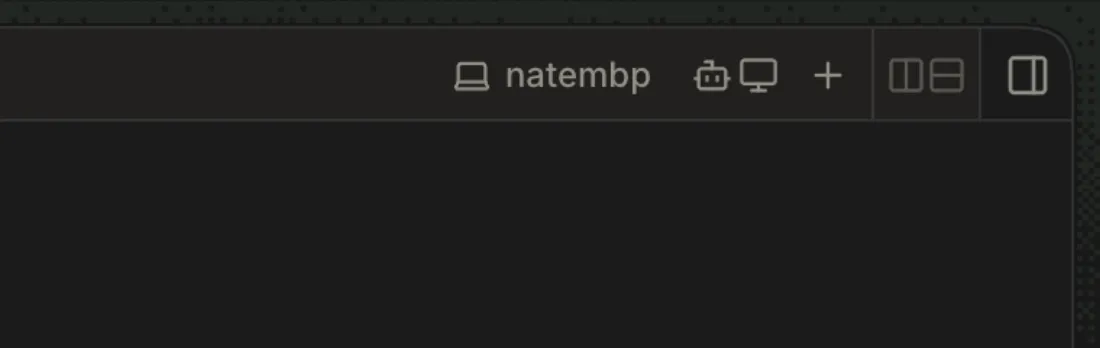
The split button is disabled with "Too little space" when panes would fall under their minimum (Chat 450 px, others 350 px).
-
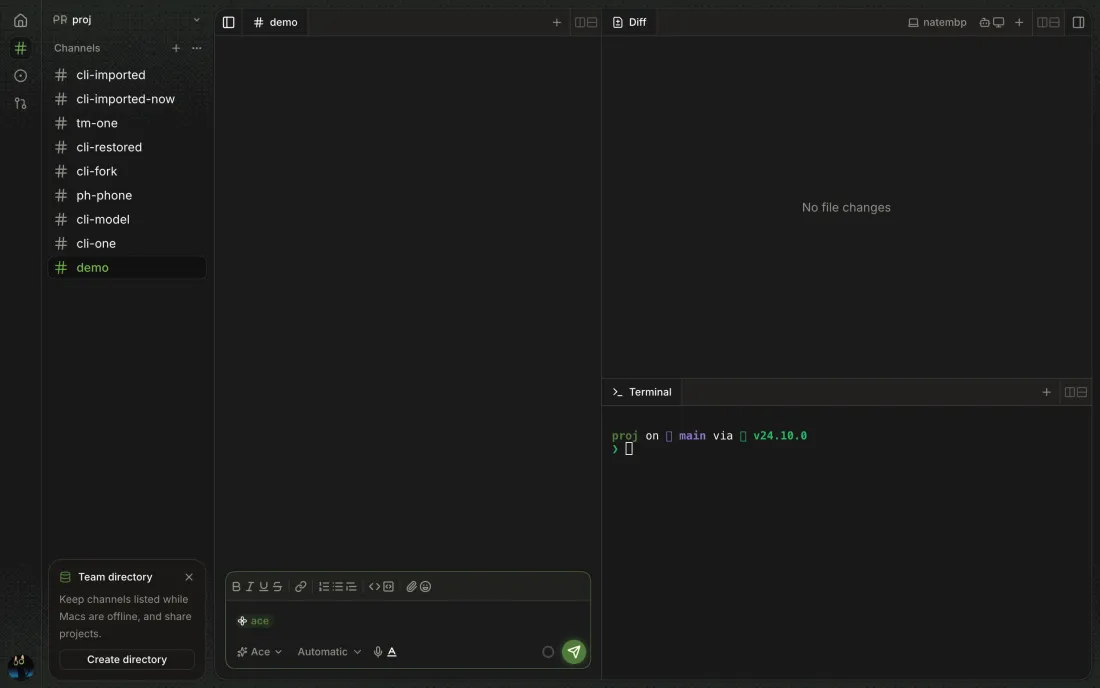
Drag the line between panes. Esc during the drag puts it back.
Neighbouring panes grow and shrink, stopping at their minimums.
-

-
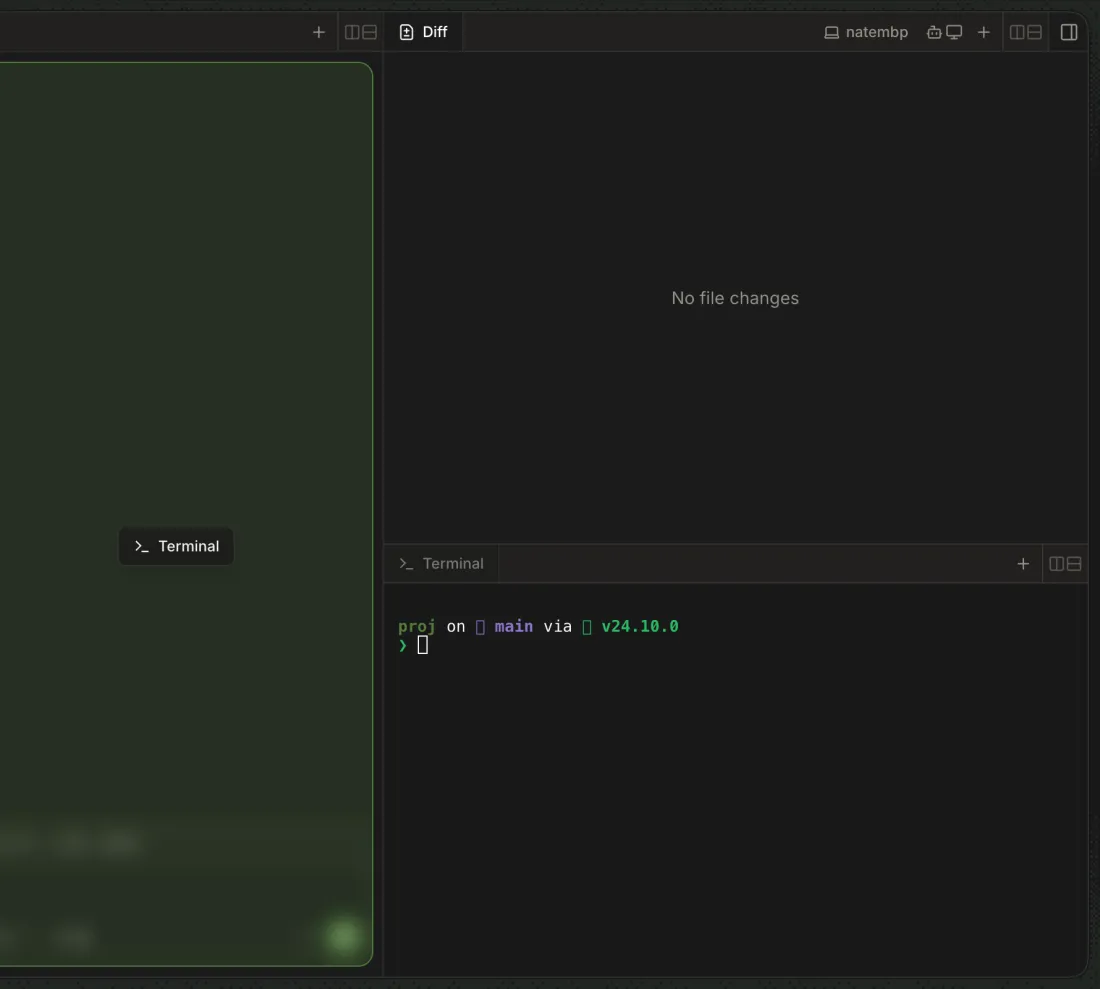
Drag a tab onto another pane's middle or its tab strip.
The pane highlights; the tab joins it. A pane left with no tabs closes.
-
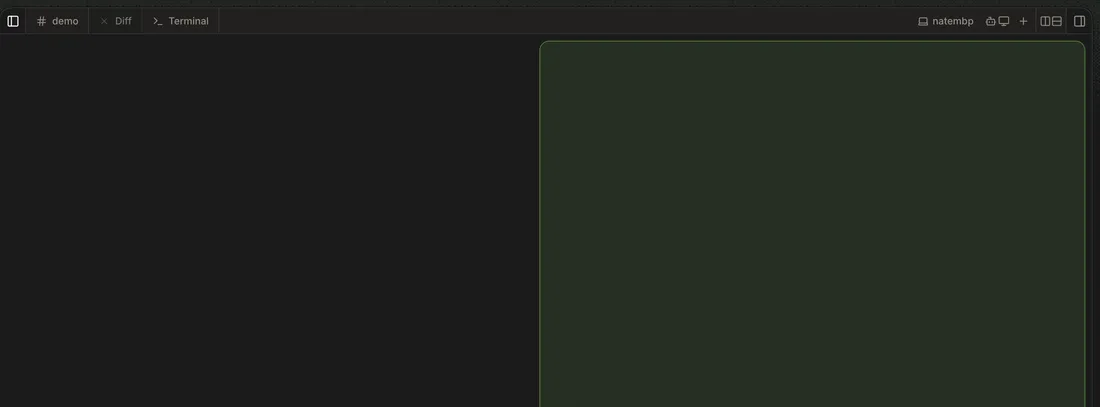
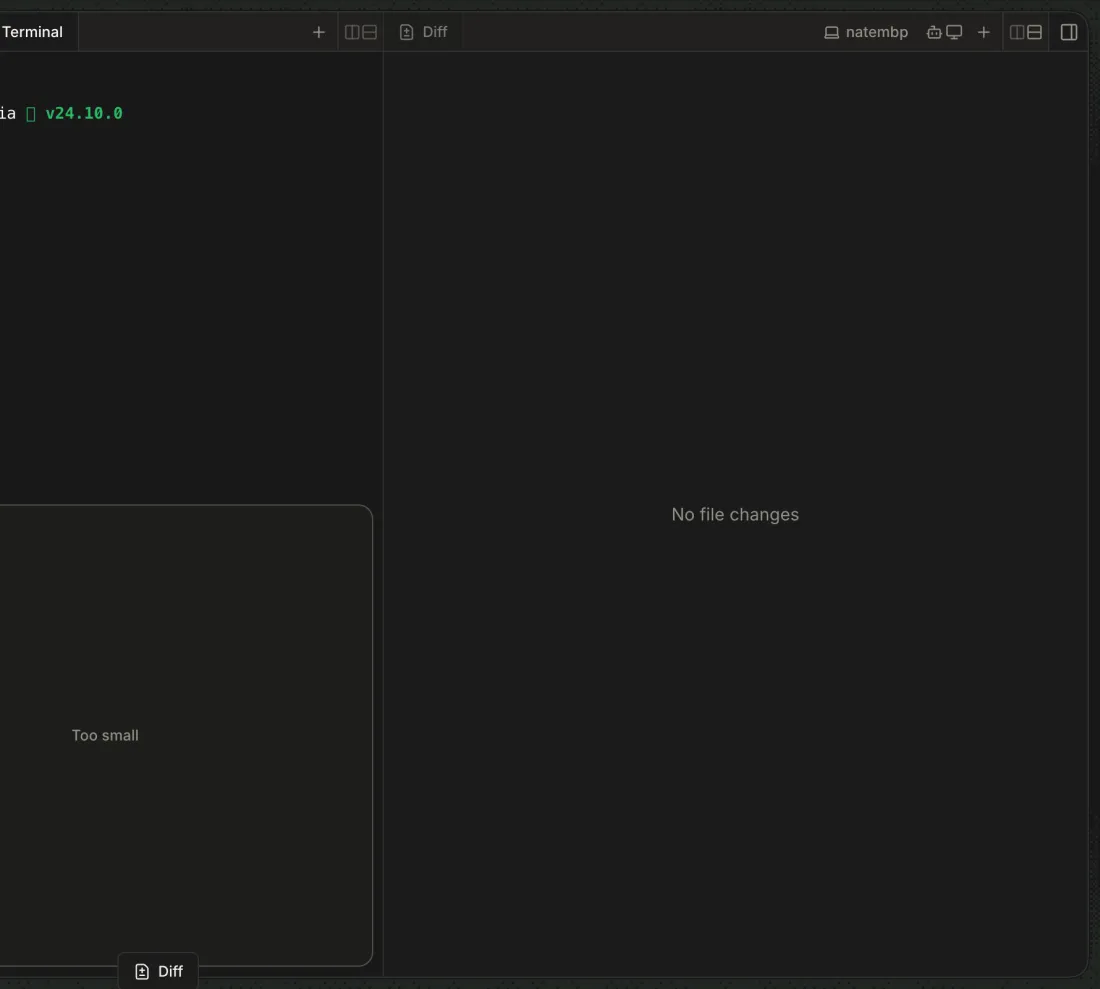
Drag a tab to a pane's left, right, top or bottom edge.
Half the pane highlights and drops into a new pane there, or reads "Too small" and refuses. Esc cancels the drag.
-
Below the md breakpoint, or when panes no longer fit, every tab folds into one strip with no split buttons; widening restores the panes.

-
⌘K (Ctrl-K in a browser)
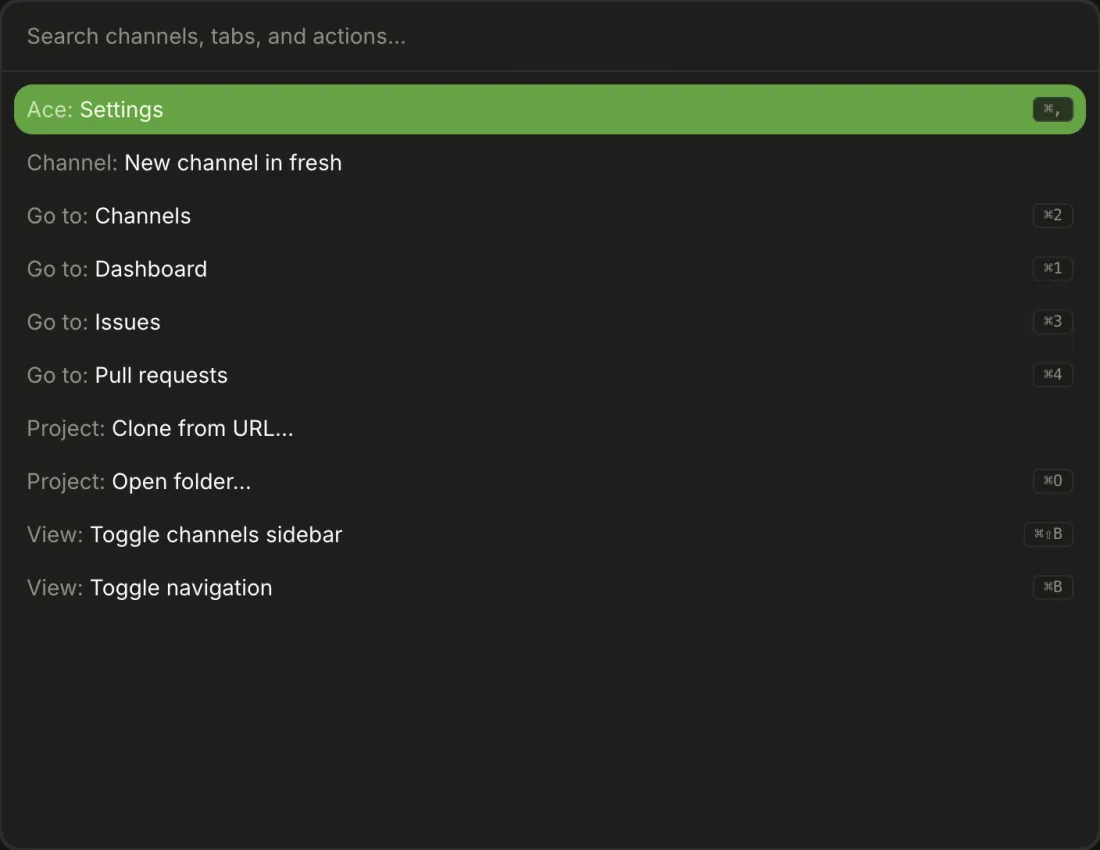
Search channels, tabs and actions (
Search channels, tabs, and actions…, shown in full); ⌘K again or Esc closes it, ↑/↓ move and Enter runs.16 ⌘K in the composer adds a link and in a terminal clears it, so the palette needs focus elsewhere first.
-
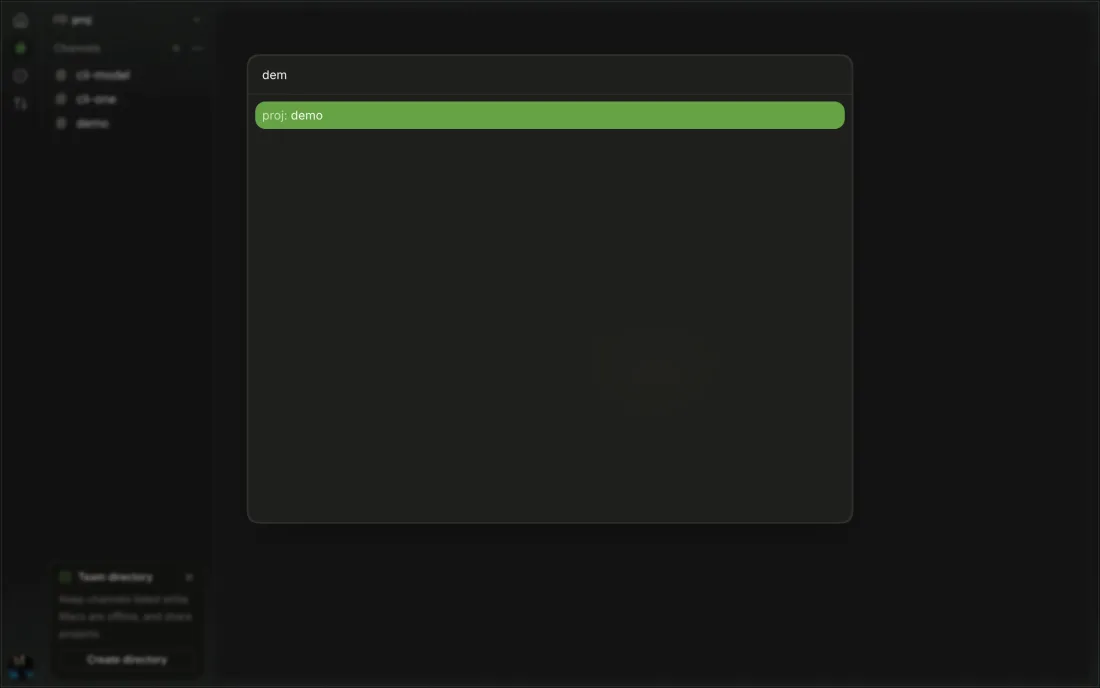
Type part of a name or summary.
Matching channels, grouped by project; other projects' channels appear only once you search. "Nothing matches" when none do.
-
Go to Dashboard, Channels, Issues and Pull Requests; Settings; Toggle Navigation; Toggle Channels Sidebar; Open Folder…; Clone from URL…; New Channel in <project>; Check for Updates… (desktop).
17 New Channel in <project>, Clone from URL… and Check for Updates… weren't run from the palette in this pass.
macOS menu bar items in the desktop app; each forwards to the same window action as its shortcut.
Every shortcut the app or desktop defines.