Phone and web
Use Ace from a phone or another device's browser.
- ^800Switch areas with the bottom tab bar8
- ^801Pick a channel from the Channels drawer
- ^802Message @ace and read the reply
- ^803Use the composer toolbar
- ^804Open a Terminal tab910
- ^805Open a Diff tab
- ^806Open channel details
- ^807Open Settings
- ^808Open a project by path
- ^809Type with the on-screen keyboard
- ^810Dictate a message
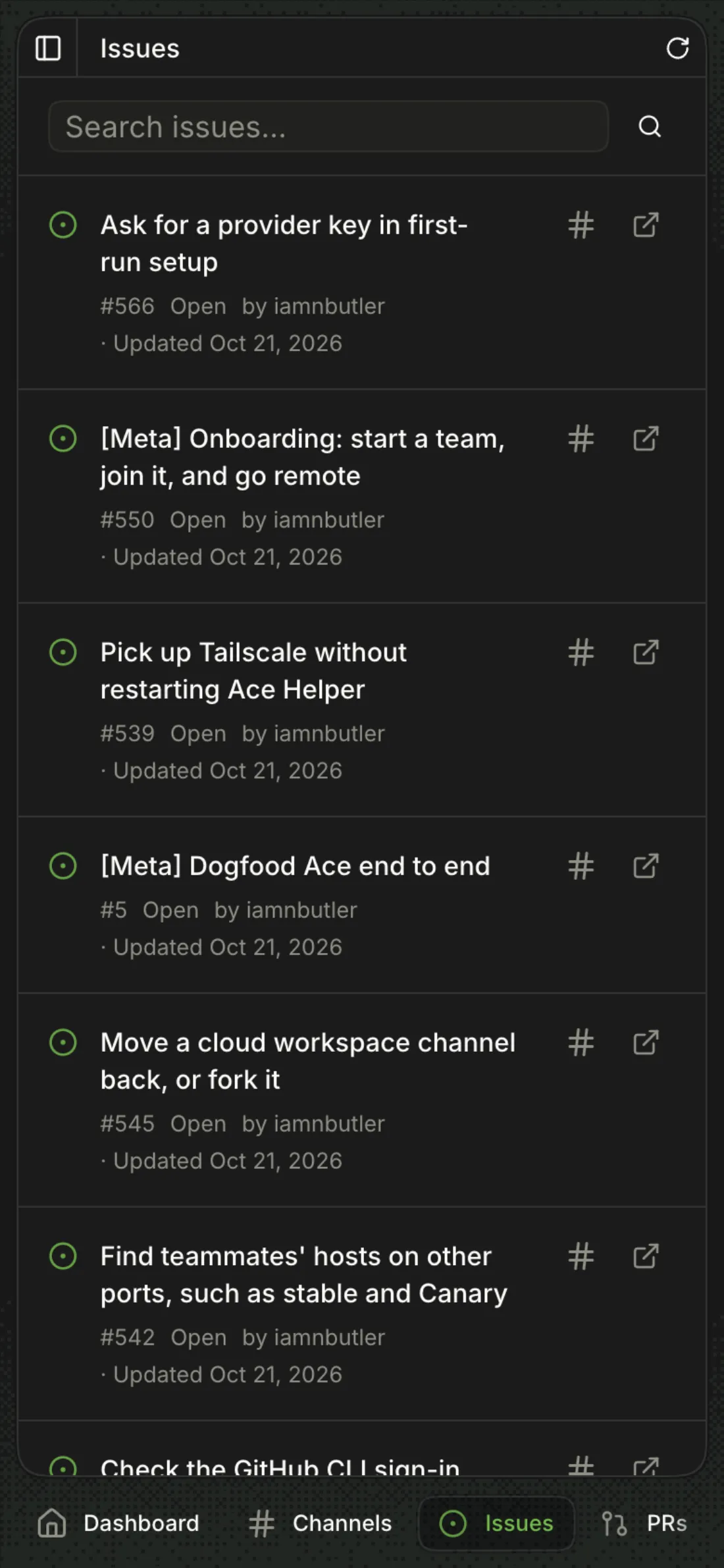
- ^811Browse issues and pull requests
-
Settings → Host → Phone
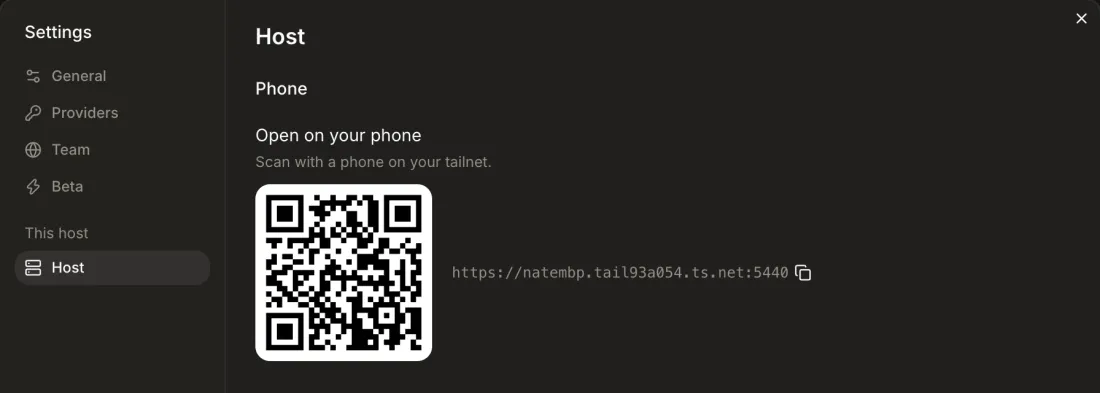
Open Settings → Host.
Open on your phone: a QR code and the host's HTTPS address (
https://<machine>.<tailnet>.ts.net:<port+1000>) with a copy button. The QR holds only the address, no token.1 Not re-checked after #581 (HTTP address and QR when tailnet HTTPS is off): it needs a host on the tailnet, and this pass ran loopback only.
-
Settings → Host → Phone
Point a phone that is on the tailnet at the code.
The phone opens the HTTPS address.
-
Settings → Host → Phone → copy
The icon turns into a check and the clipboard holds the host's HTTPS tailnet address (
https://<machine>.<tailnet>.ts.net:<port>). -
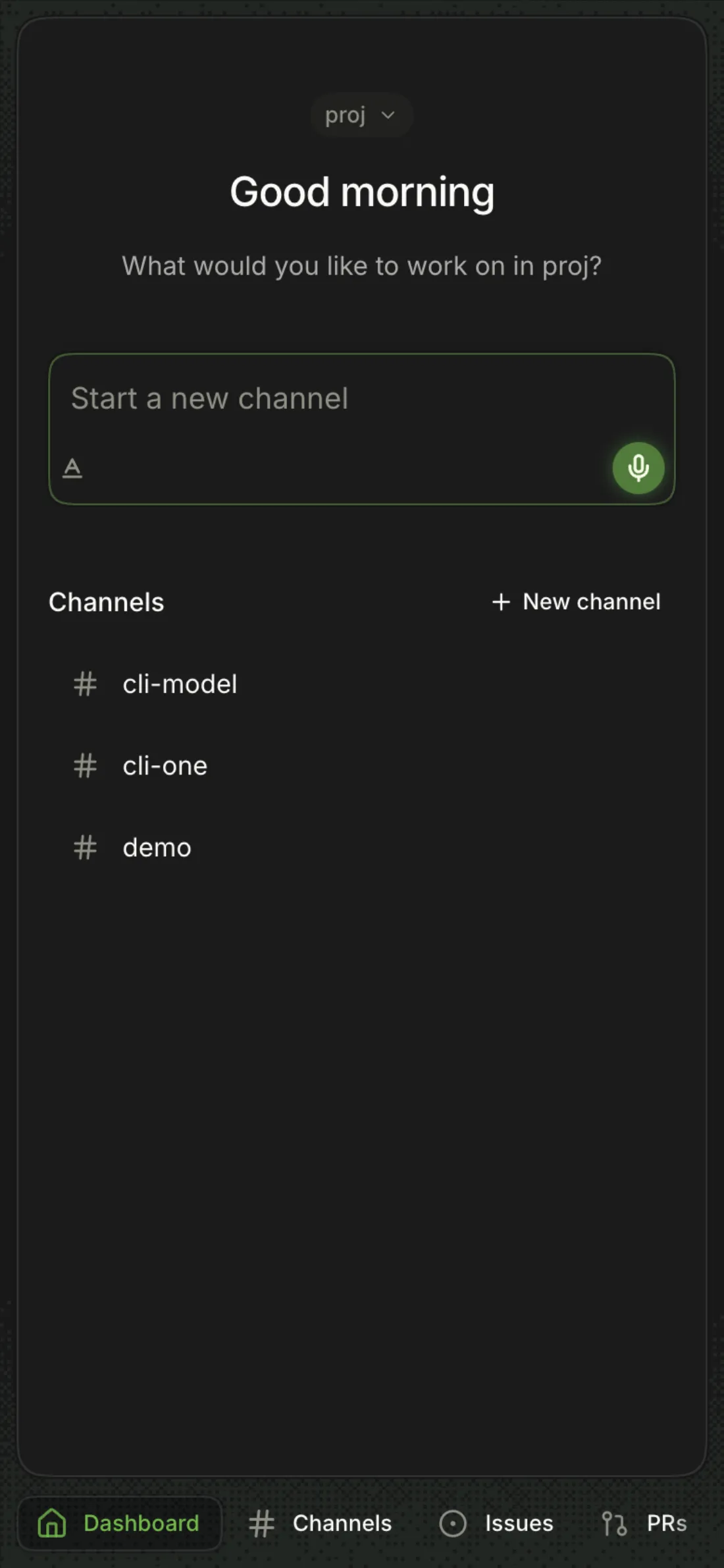
https://<machine>.<tailnet>.ts.net:<port+1000>Open the address on a device signed in to the same tailnet account.
The full app, at phone size, with no token or sign-in.
-
http://<machine>.<tailnet>.ts.net:<port>(printed byace serve)The same app over HTTP, which WireGuard encrypts.
2 Not re-checked after #581 (
Voice input needs HTTPStoast): a loopback host refuses any other Host name (Forbidden), so an insecure origin needs a tailnet host.
-
Safari → Share → Add to Home Screen (Android: ⋮ → Install app)
An Ace icon that opens full screen, without browser chrome.
3 The manifest and Apple meta tags are served (
/manifest.webmanifestreturns 200 on the HTTPS listener), but there is no service worker, so a home-screen Ace has no offline page when the host is unreachable.
A Worker-hosted copy of the app with no host of its own; it remembers the host you name and connects to it over the tailnet.
-
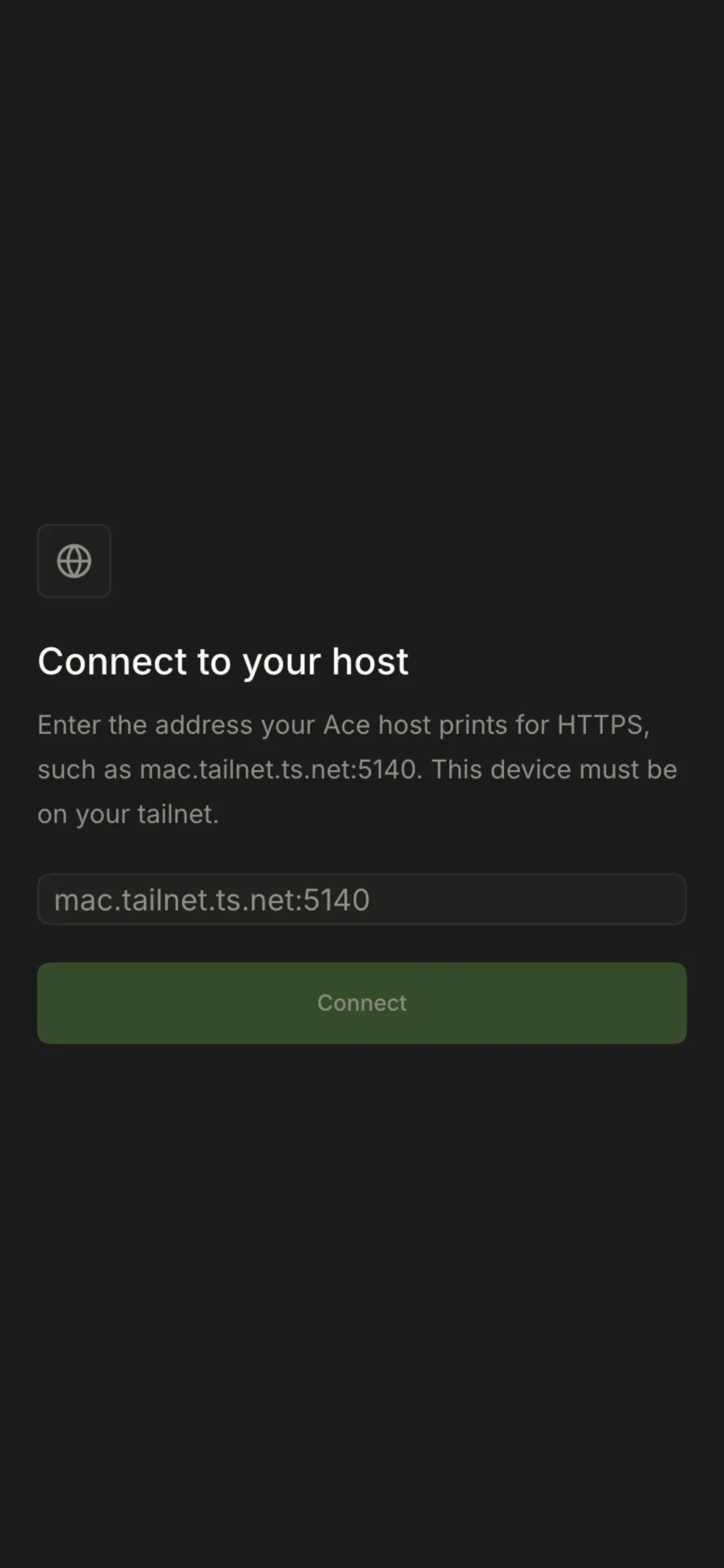
Web app → Connect to your host
Enter the HTTPS address, such as
mac.tailnet.ts.net:5140, and press Connect.The app reloads connected to that host.
-
https://<web app>/#host=<machine>.<tailnet>.ts.net:5140The app remembers the host, drops
#hostfrom the URL, and connects.4 The 2026-10-22 study's headless browser never connected (no local-network prompt), and nothing documents the
#host=link.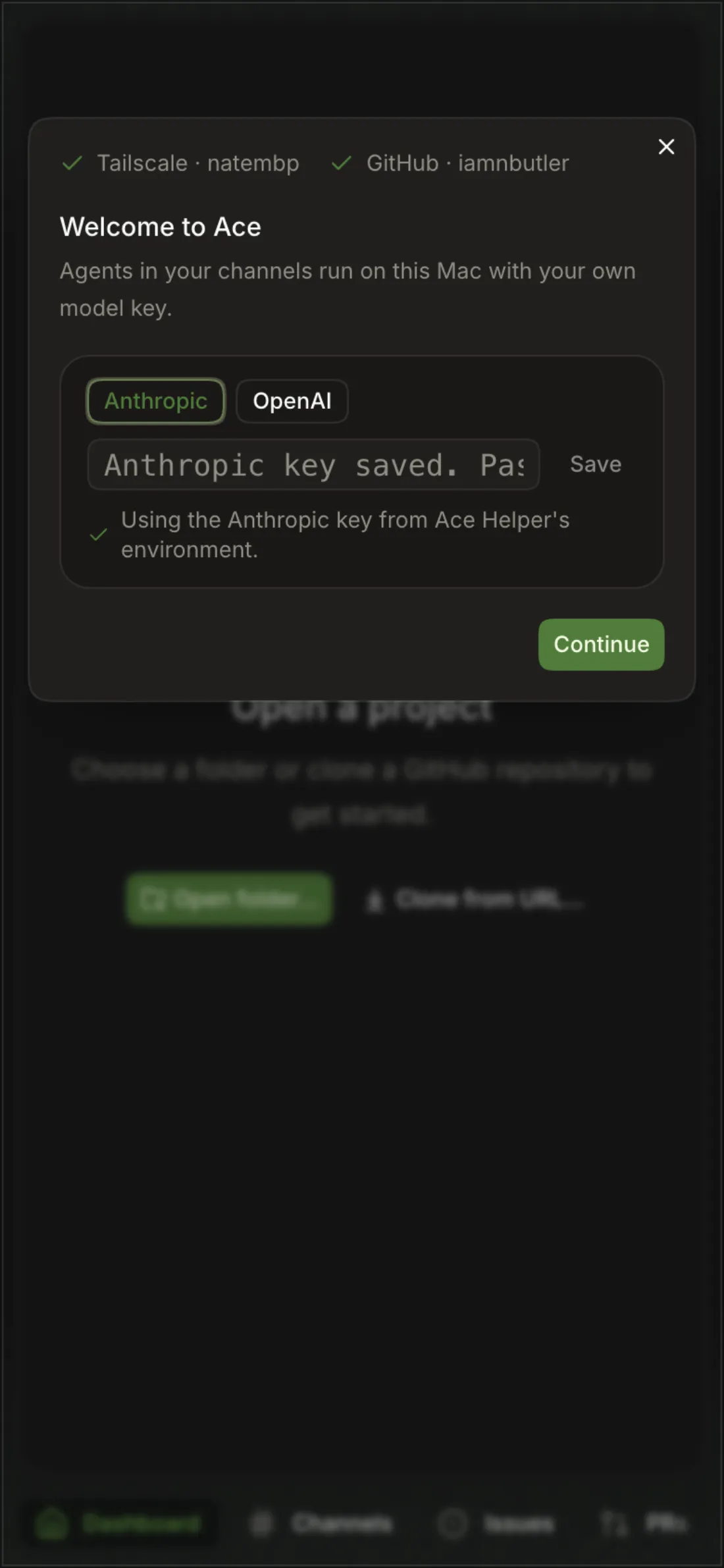
-
Web app → banner → Change host
"Can't reach <host>. Check that Tailscale is on." when the host doesn't answer;
<host> refused this web app. On that host, run ace web <origin>, then reload.when it answers but refuses the WebSocket. Change host forgets it and shows Connect again.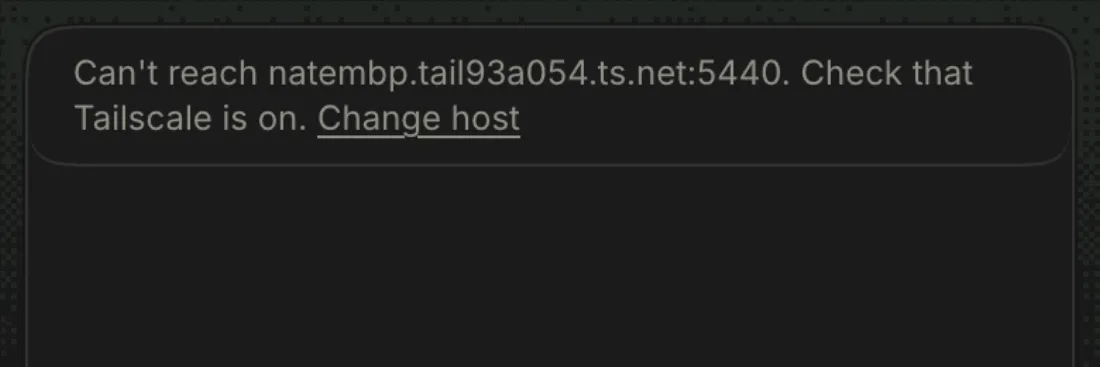
-
ace web <https url>, theACE_WEB_APPenv var, or the directory'sAPPThe host lets sockets from that origin in, for its owner only.
5 Done here with
ACE_WEB_APPon a second host and the app served over the tailnet certificate;ace webitself is covered under Command line.6 Only
ace webshows or sets it; the app has no web-app row. -
bun --filter @ace/app deploybuild:webbuilds withVITE_ACE_WEB=1intodist-weband wrangler deploys it asace-app.
-
http://127.0.0.1:<port>/#token=<host.token>(whatace openand the desktop app do)The app takes the token from the fragment and removes it from the URL. Without it the socket gets 401.
-
The host asks Tailscale (
tailscale whois) who is connecting and serves the owner's own browsers; there is no token or pairing step. -
A socket from an origin other than the host's own pages or its web app gets 403; a request for an unknown Host name gets 404.
-
"Open Ace from your own host" (403); teammates reach your channels through their own host.
7 Re-check, Canary 0.0.54.93: Sam's browser on Nate's host read
This is iamnbutler@gmail.com's host. Open Ace from your own host.It shows the owner's full email to anyone on the tailnet and offers no link to your own host.
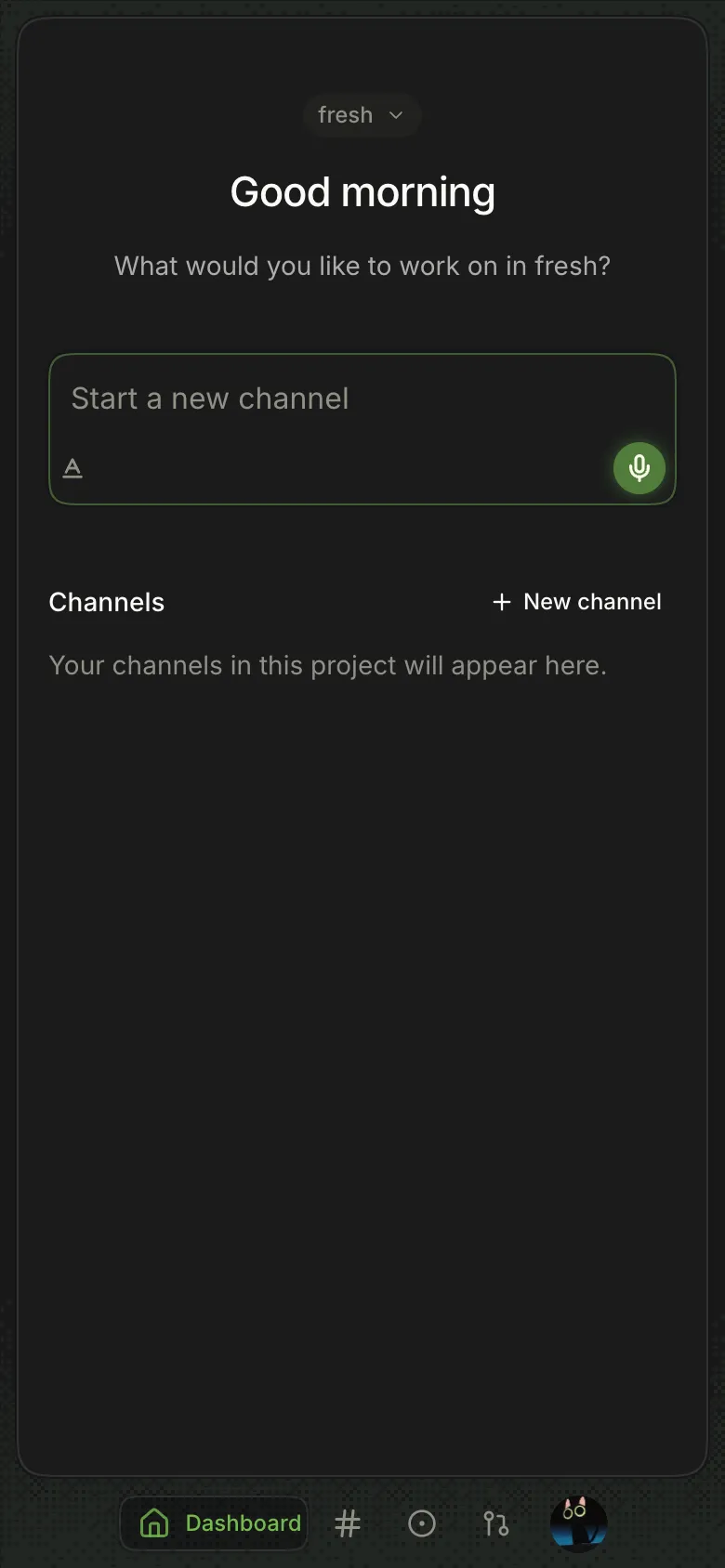
Under 40rem wide the sidebars become drawers and navigation moves to a bottom tab bar.
-
Dashboard · Channels · Issues · PRs
Below 26rem the bar names only the current page; the account button fits at 390px.
8 While the Channels drawer is open the bottom bar can't be tapped.
-
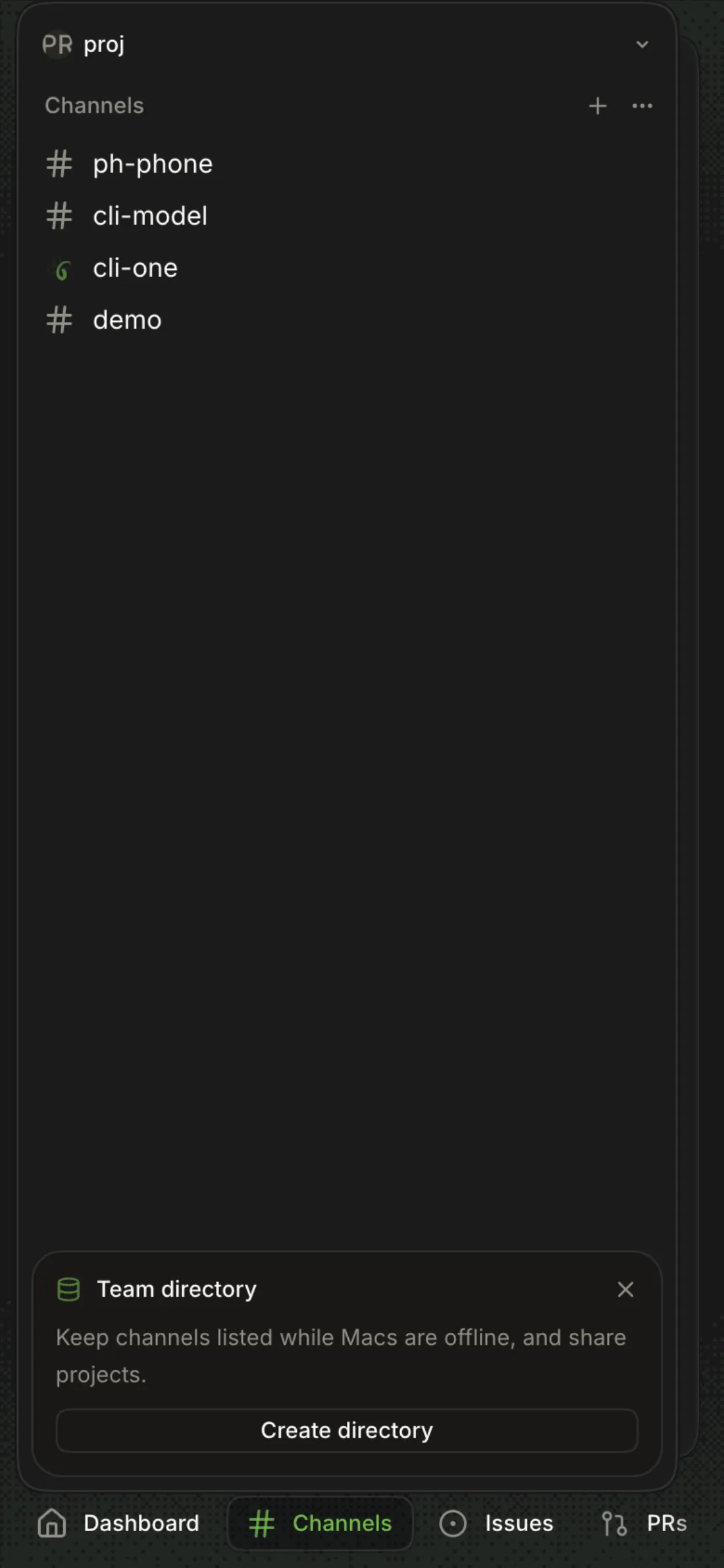
Channels tab
The channel list fills the screen while no channel is open and slides away once one is.
-
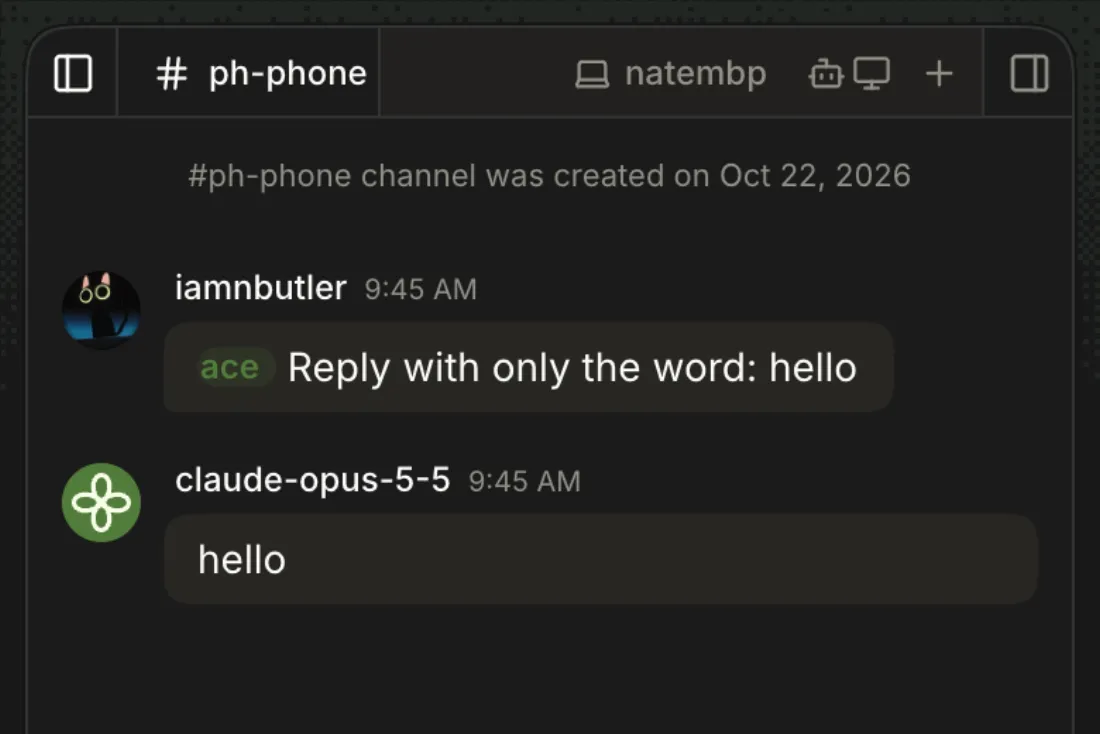
Channel → composer
The reply streams into the timeline as on desktop.
-
Channel → composer
At 390px the model name truncates (
claude-haik…) and Send stays on screen.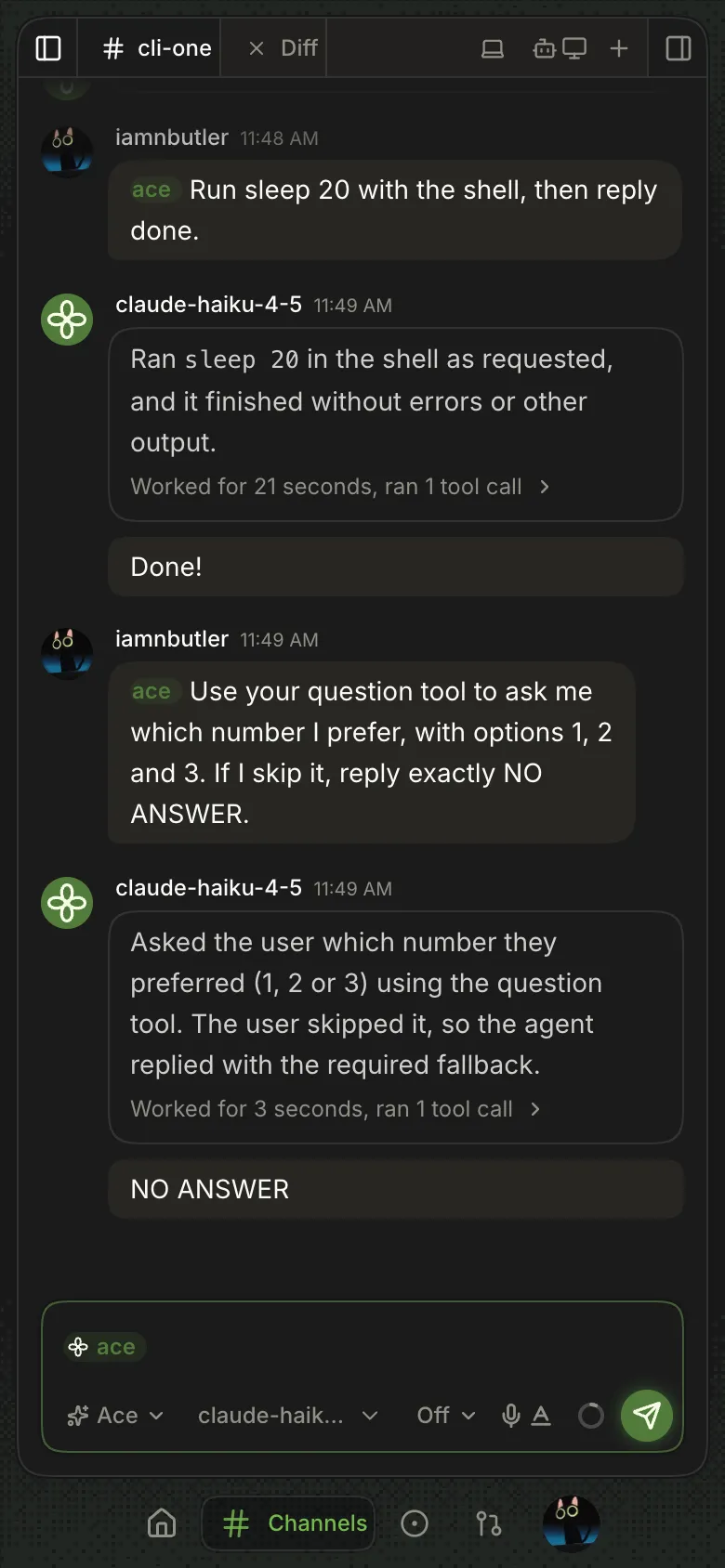
-
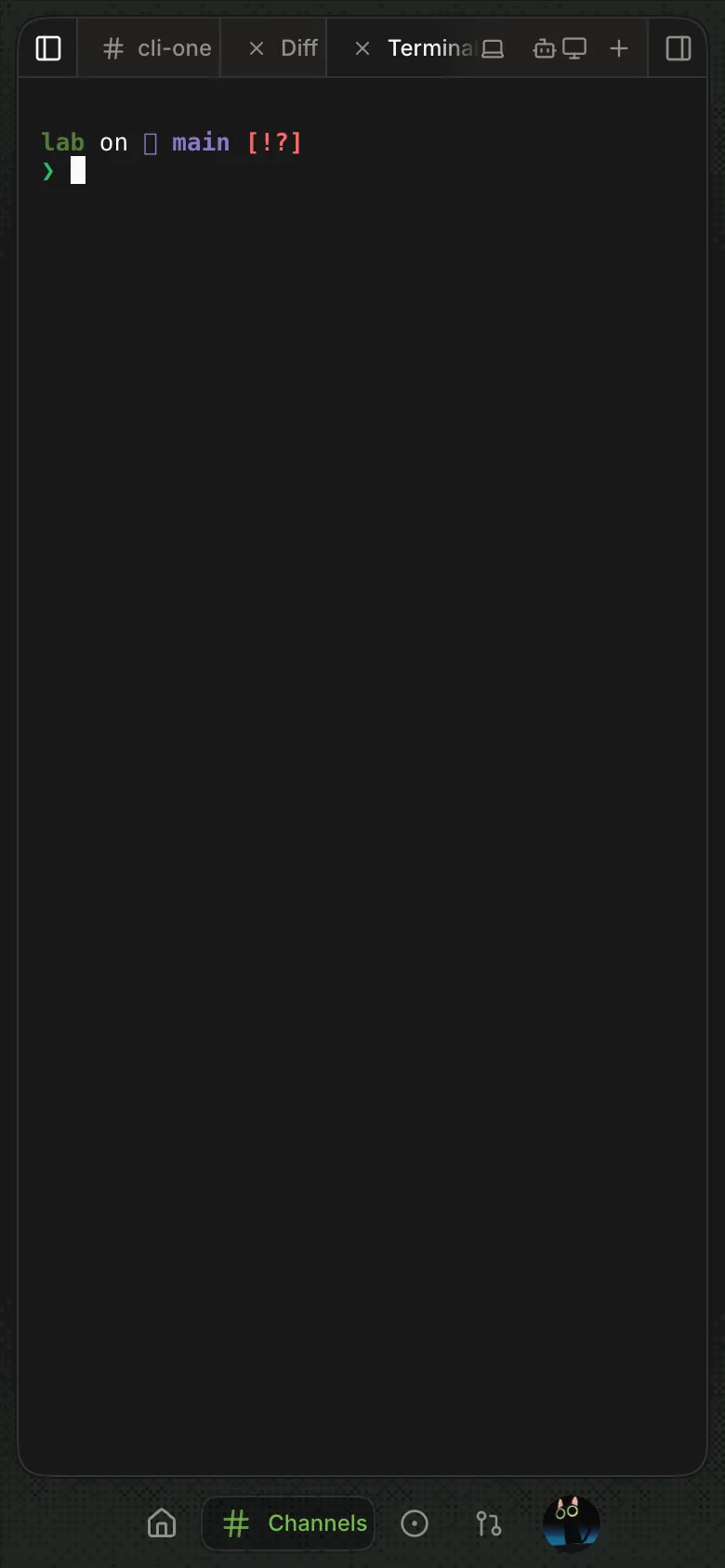
Channel → + → Terminal
A shell in the channel's checkout; typing works with a hardware keyboard.
9 With three tabs (chat, Diff, Terminal) the Terminal title is still cut to
Terminaand runs under the machine icon at 390px.10 On-screen keyboard input to the terminal is untested.
-
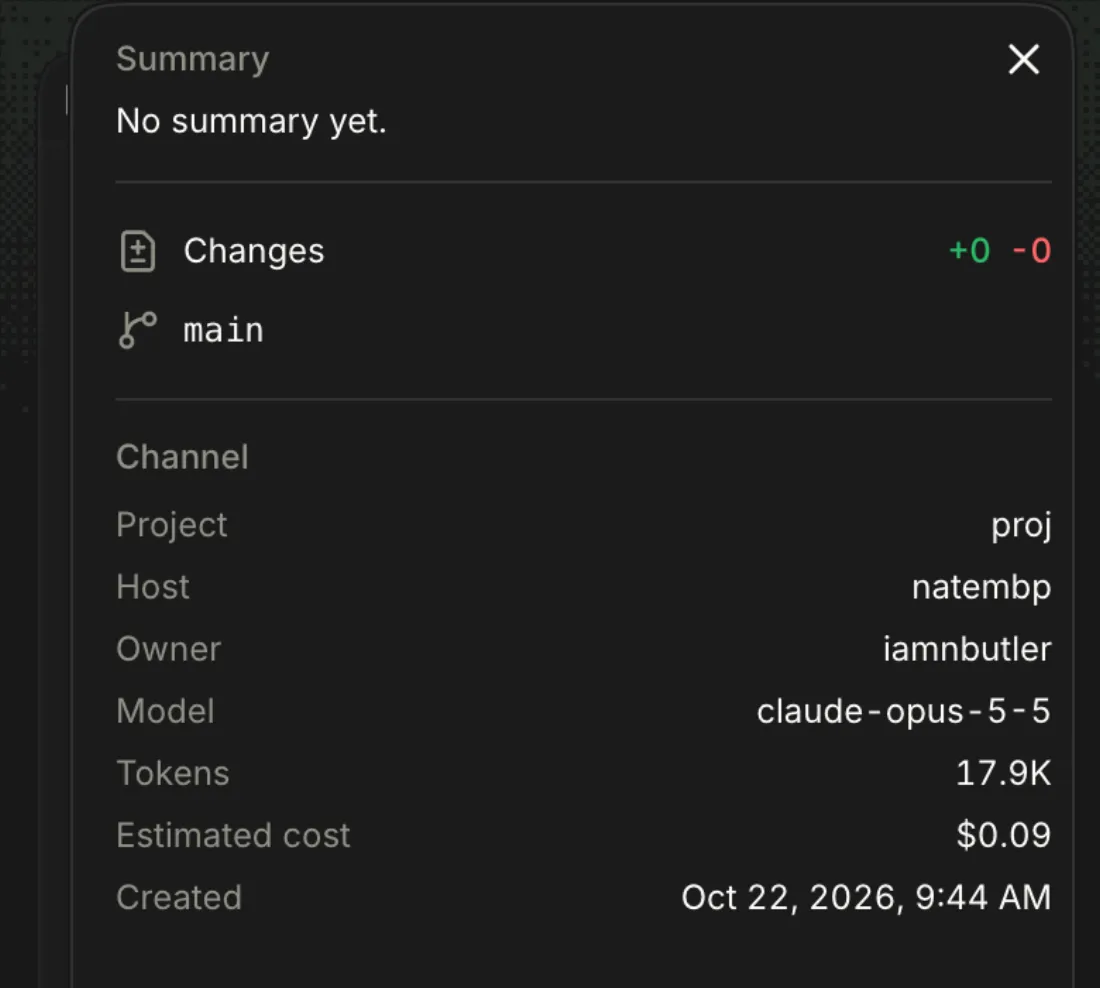
Channel → details button (top right)
A full-screen sheet with summary, changes, branch and channel facts.
-
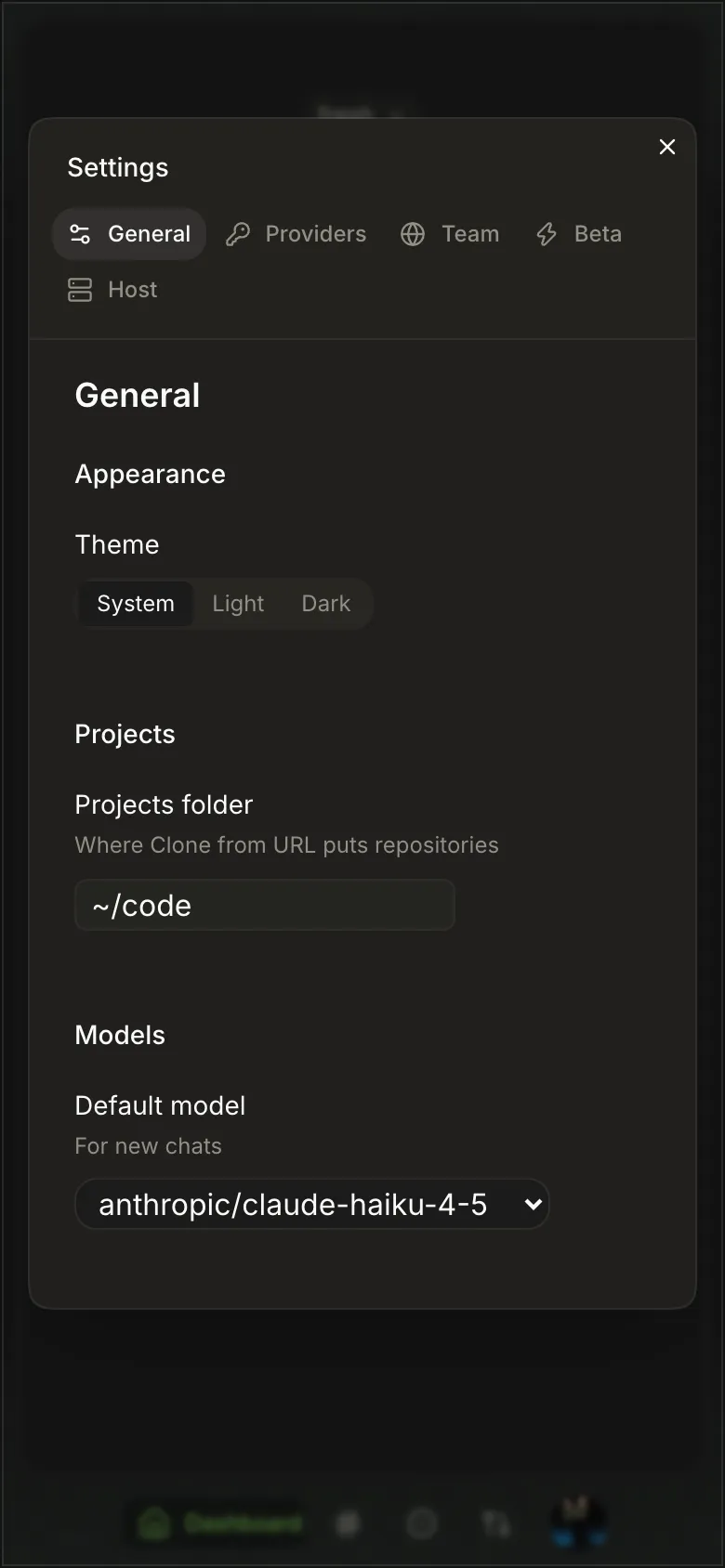
Account button → Settings
Settings as a sheet; its section tabs wrap onto a second row (Host).
-
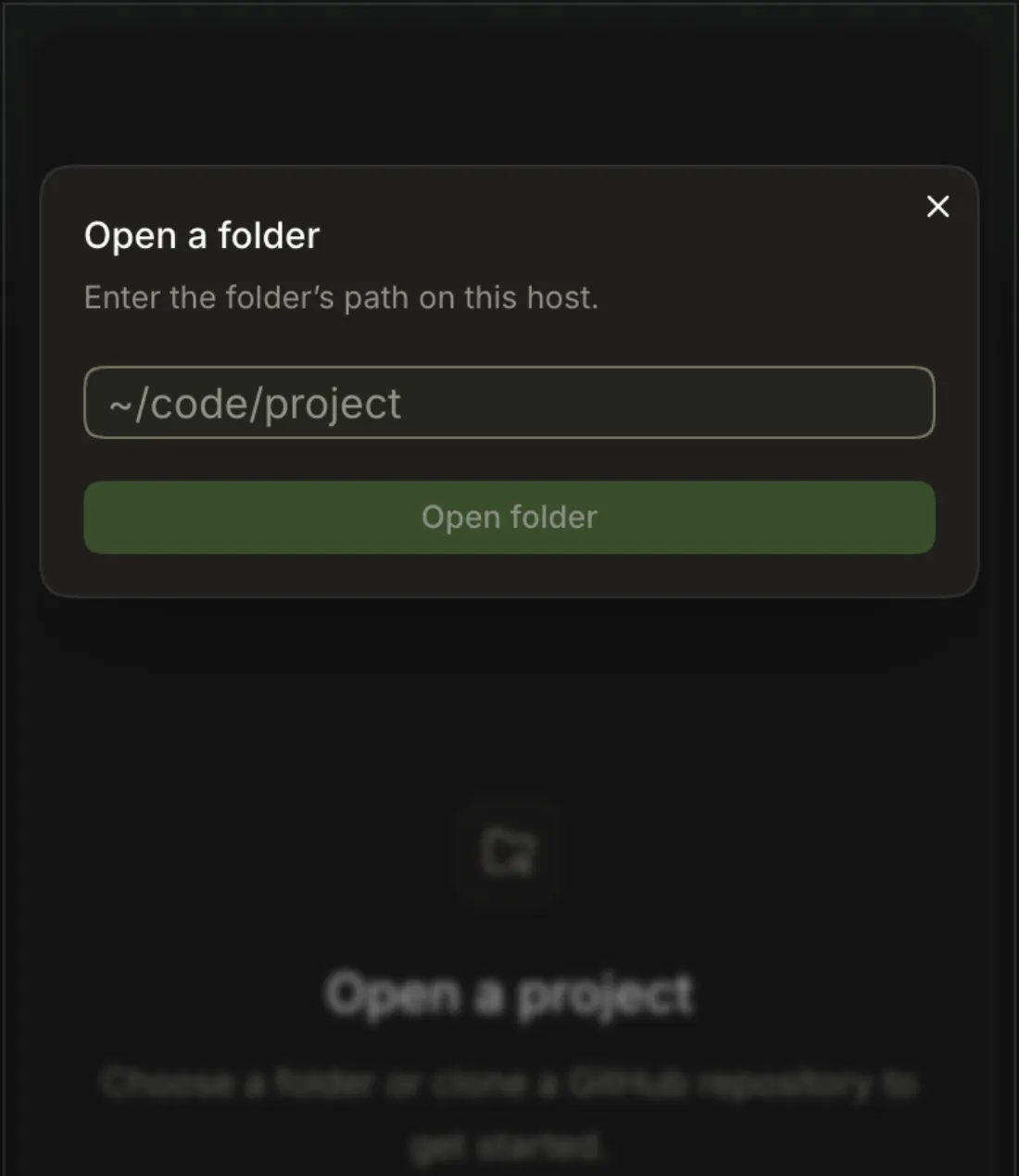
Dashboard → Open folder…
Browsers can't pick a folder on the host, so a dialog asks for the folder's path on the host.
-
The app shrinks to the visible viewport and the tab bar hides while the keyboard is up.
-
Channel → composer → mic
-
Issues or PRs tab
At phone width the project picker is in a drawer (Toggle issues sidebar); picking a project closes it.