Install and first run
Get Ace, open it the first time, give it a model key, and keep it running and current.
-
Closed: Removed from the account menu in githubnext/ace#572 (Q6).
ace.githubnext.comStart leads to the latest GitHub release (desktop-v0.0.51:
ace-0.0.51-macos-arm64.dmg), notarized with a Developer ID and stapled. Stable for the team; Canary is a dev tool.1 The account menu has a Download app item, but the app never passes
onDownload, so a browser user has no way to the download.2 Only an Apple silicon build is offered; Intel Macs have no download.
-
Ace Helper, the host that runs channels, starts beside the app and keeps running when the window closes. Until it answers, screens say
Waiting for Ace Helper….3 Tested on Canary 0.0.51.85 (2026-10-22 study), with Ace Helper already running, so not a true first launch.
-
Settings → Ace Helper → Command line tool
Install links
ace(orace-canary) in~/.local/binto the app's own Ace Helper.Whether the shell finds it, and what to add to
PATHif not. Remove undoes it.
Shown when the host has no project. One dialog, two steps: a model key, then the team.
4 First run appears only on a host with no projects, and nothing reopens it; the 2026-10-22 study's hosts had projects, so ^6–^11 need a fresh host.
-
Ticks for
Tailscale · <machine>andGitHub · <login>above the welcome.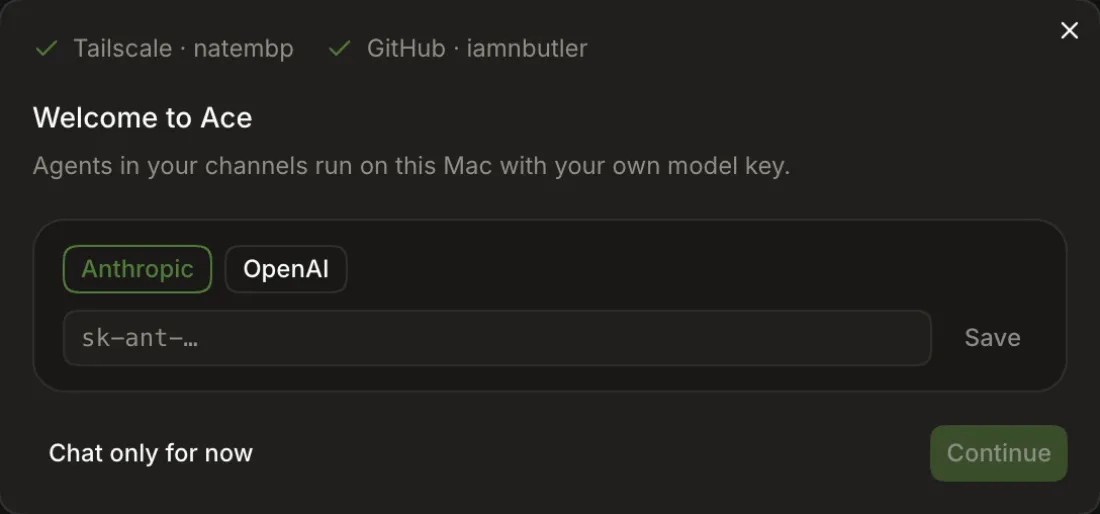
-
A key already in Keychain or Ace Helper's environment is picked up: "Using the … key from Ace Helper's environment."
-
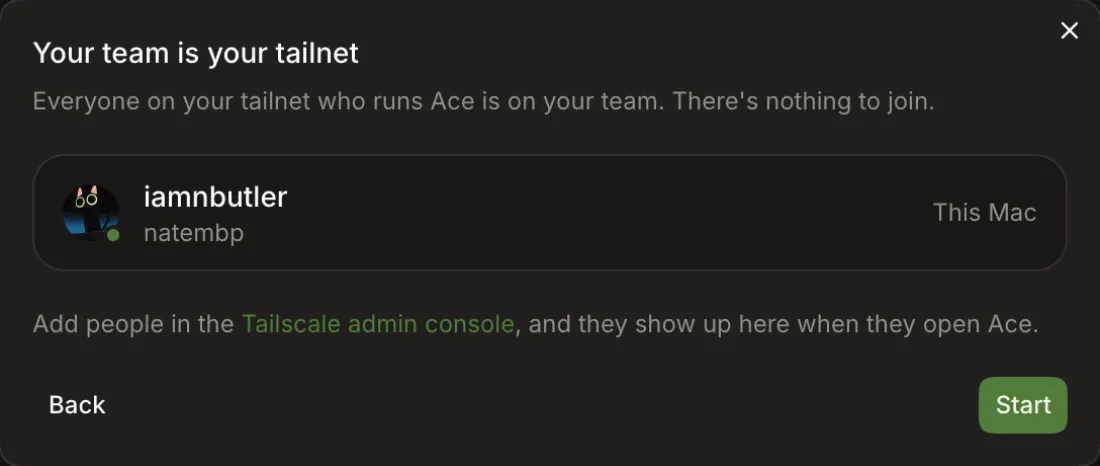
"Your team is your tailnet": this Mac and everyone on the tailnet running Ace. Add people in the Tailscale admin console.
-
Open a project: Open folder… or Clone from URL…
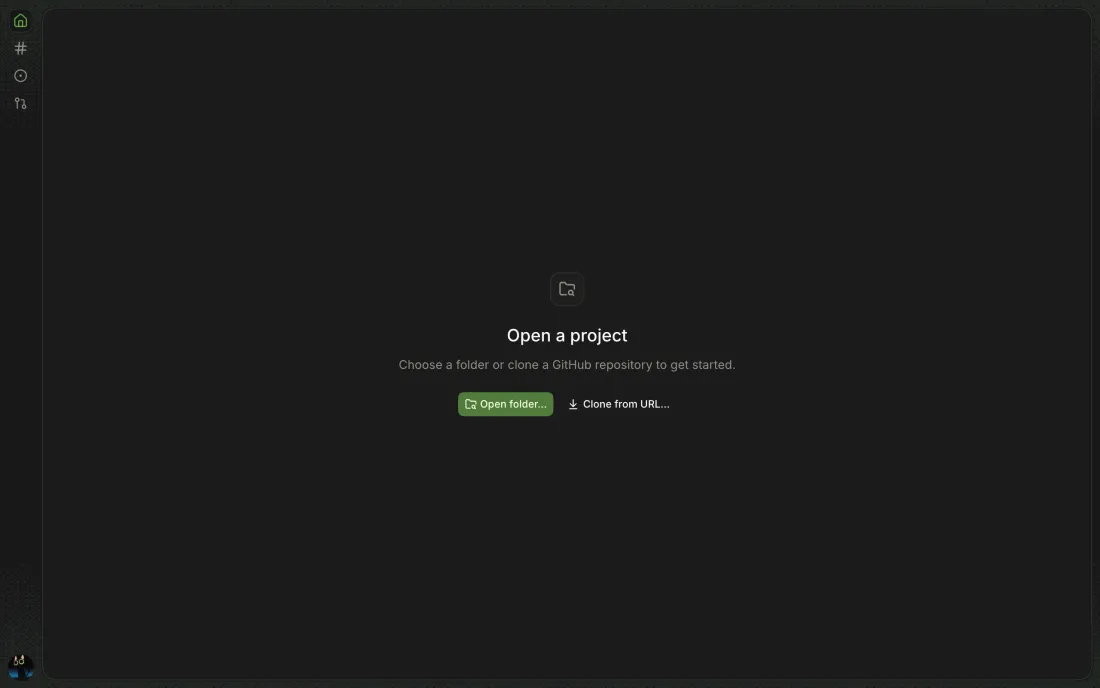
Desktop only.
Desktop only. Ace Helper is the host; the app is its window.
-
Ace menu → Ace Helper Settings…
-
Settings → Ace Helper → Status → Open Login Items
Shown when macOS holds Ace Helper for approval; opens System Settings → Login Items.
Starting before then fails with
Allow Ace in macOS Login Items, then start Ace Helper again.12 Tested on Canary 0.0.51.85 (2026-10-22 study).